What a Modem Actually Does
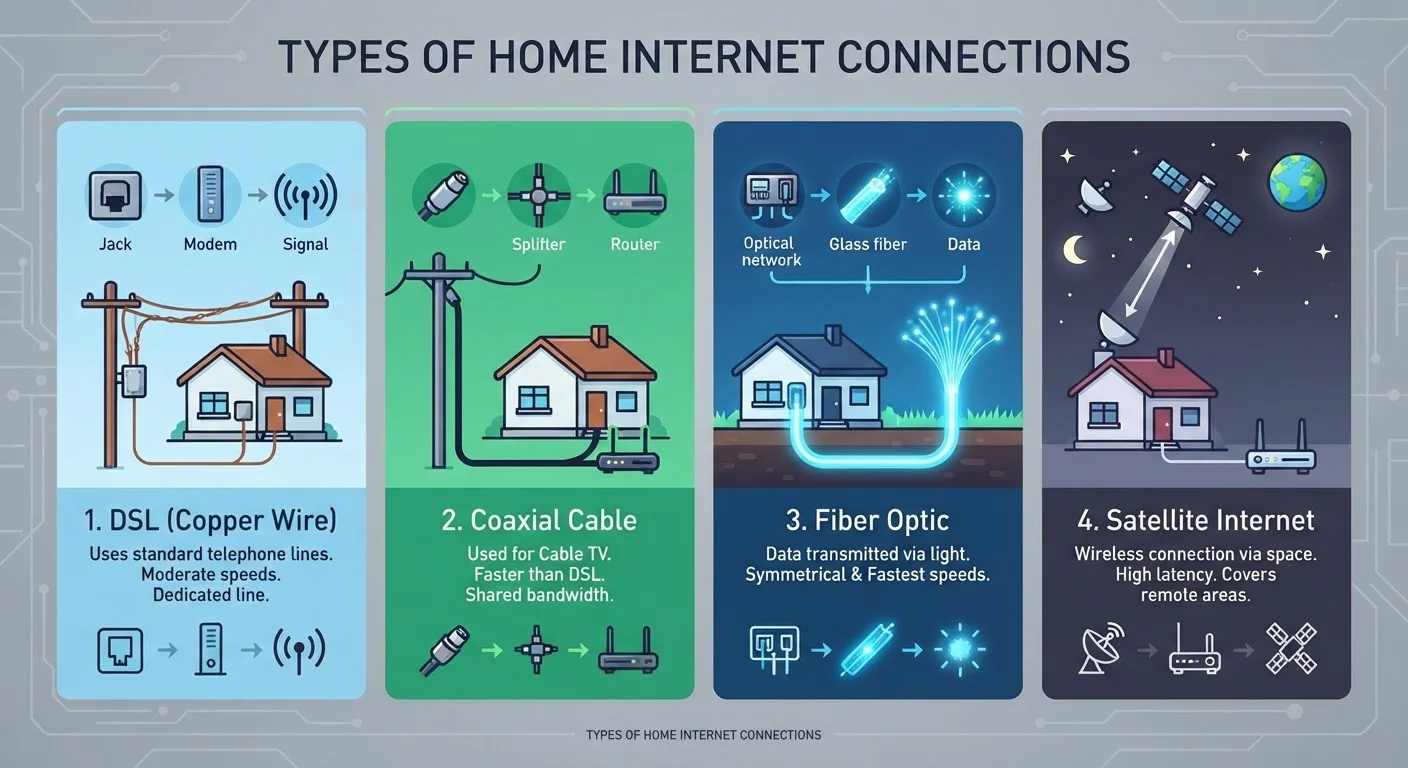
The word modem is a portmanteau of "modulator-demodulator," which describes its core job: it translates the type of signal your internet service provider (ISP) delivers - whether that arrives over a coaxial cable, a phone line, or fiber-optic infrastructure - into the digital data your home network can use. Without a modem, your devices have no way to communicate with the wider internet.
Every modem is specific to an internet connection type. A DOCSIS cable modem works with cable internet services; a DSL modem works with phone-line-based broadband; fiber connections typically use a device called an ONT (Optical Network Terminal). You can learn more about how these technologies differ in our article on DSL, cable, fiber, and satellite internet types.
The modem connects directly to your ISP's infrastructure - via a coaxial wall outlet, a phone jack, or a fiber termination point - and on its other end, it outputs a single wired internet connection, typically through an Ethernet port. That one connection is all a modem provides. It does not create a Wi-Fi network, it does not assign IP addresses to your devices, and it cannot serve multiple devices simultaneously on its own.
$10-$15
Typical monthly ISP modem rental fee
Many major U.S. ISPs charge a monthly equipment rental fee for a provided modem or gateway, which can total $120-$180 per year.
Wi-Fi 6
Current mainstream router standard
Wi-Fi 6 (802.11ax) is the widely available standard in consumer routers as of the mid-2020s, offering improved performance in device-dense environments.
What a Router Actually Does
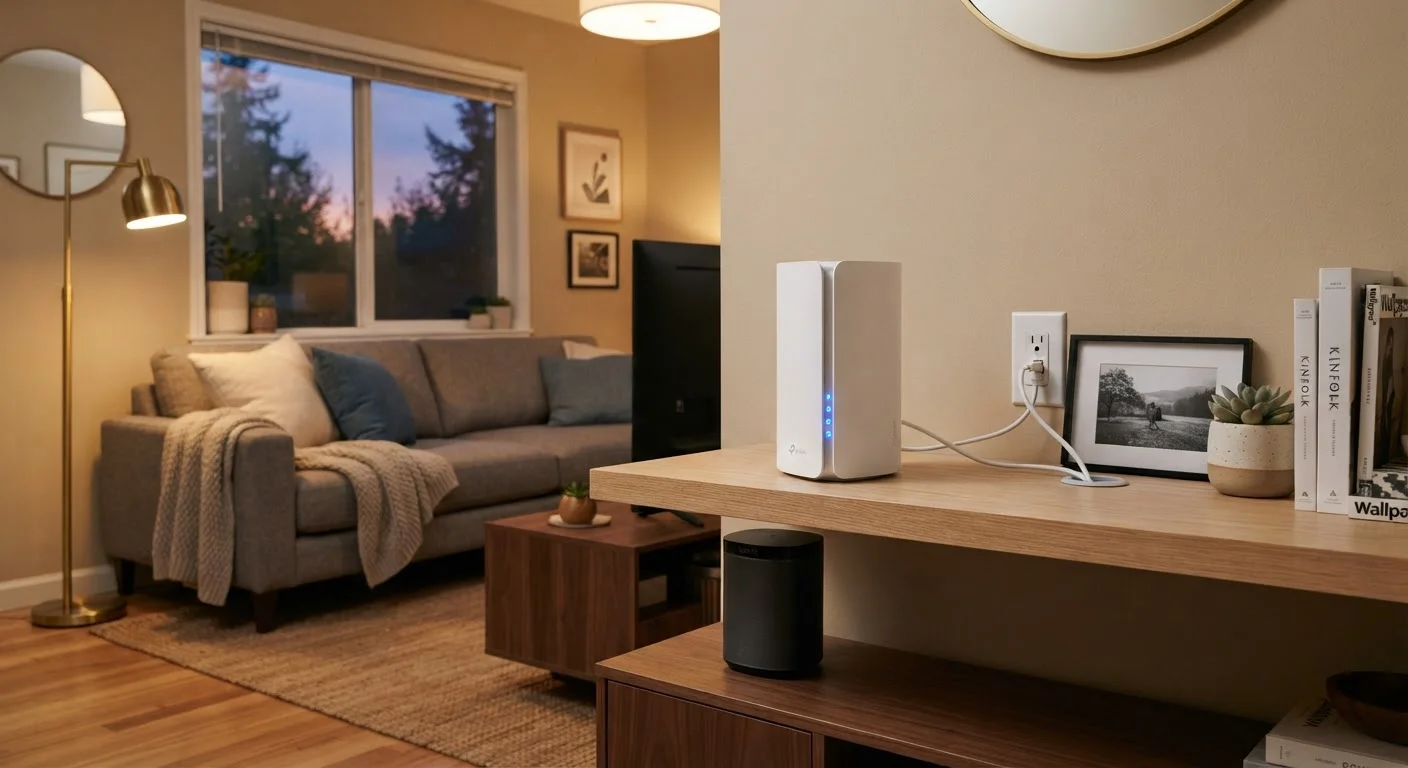
A router takes the single internet connection coming out of the modem and shares it across all the devices in your home. It creates your local network - the system that allows your phone, laptop, smart TV, and connected devices to all access the internet at the same time without conflict.
Routers perform several important tasks simultaneously. They assign local IP addresses to each device on your network (a function called DHCP), manage the flow of data traffic between devices, and - in the case of wireless routers - broadcast the Wi-Fi signal your devices connect to. Most modern routers also include a built-in firewall that adds a basic layer of security between your home network and the public internet.
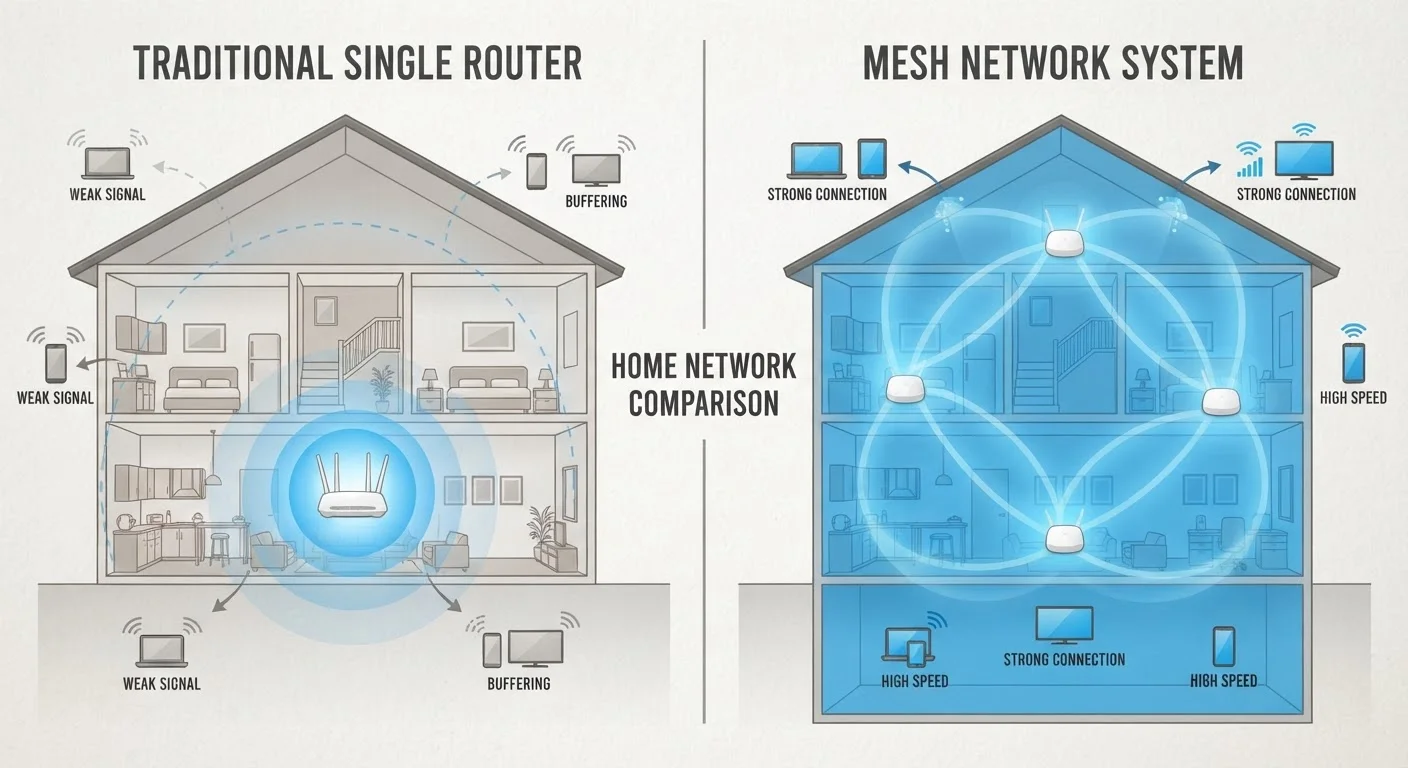
The quality of your router directly influences your Wi-Fi experience. Factors like the router's Wi-Fi standard (such as Wi-Fi 5 or Wi-Fi 6), the number of antennas, and its placement in your home all affect signal range and how well it handles many devices at once. If you're weighing a traditional router against a whole-home mesh system, our comparison of mesh networks vs. traditional routers walks through what each approach offers.
Side-by-Side: How They Compare
Because modems and routers handle different layers of your home connectivity, comparing them directly helps clarify which device is responsible for what - and which one to address when something goes wrong.
| Criterion | Modem | Router |
|---|---|---|
| Primary function | Connects home to ISP | Shares connection across devices |
| Creates Wi-Fi | No | Yes |
| Connects to | ISP infrastructure (coax, phone line, fiber) | Modem (via Ethernet) |
| Assigns IP addresses | No | Yes (via DHCP) |
| Affects internet plan speed | Yes (must support plan tier) | Indirectly (via Wi-Fi performance) |
| Built-in firewall | Rarely | Typically yes |
| ISP compatibility required | Yes | No |
| Can work alone | Only for a single wired device | No - needs a modem upstream |
It's worth noting that many ISPs supply a single gateway device that combines modem and router functions in one box. These combo units simplify setup and reduce the number of devices on your shelf, but they can limit your ability to upgrade one component independently, and they typically come with a monthly rental fee. Buying your own separate modem and router generally offers more flexibility and can be more cost-effective over time, provided the modem you choose is on your ISP's approved compatibility list.
Setting Up Both Devices Together
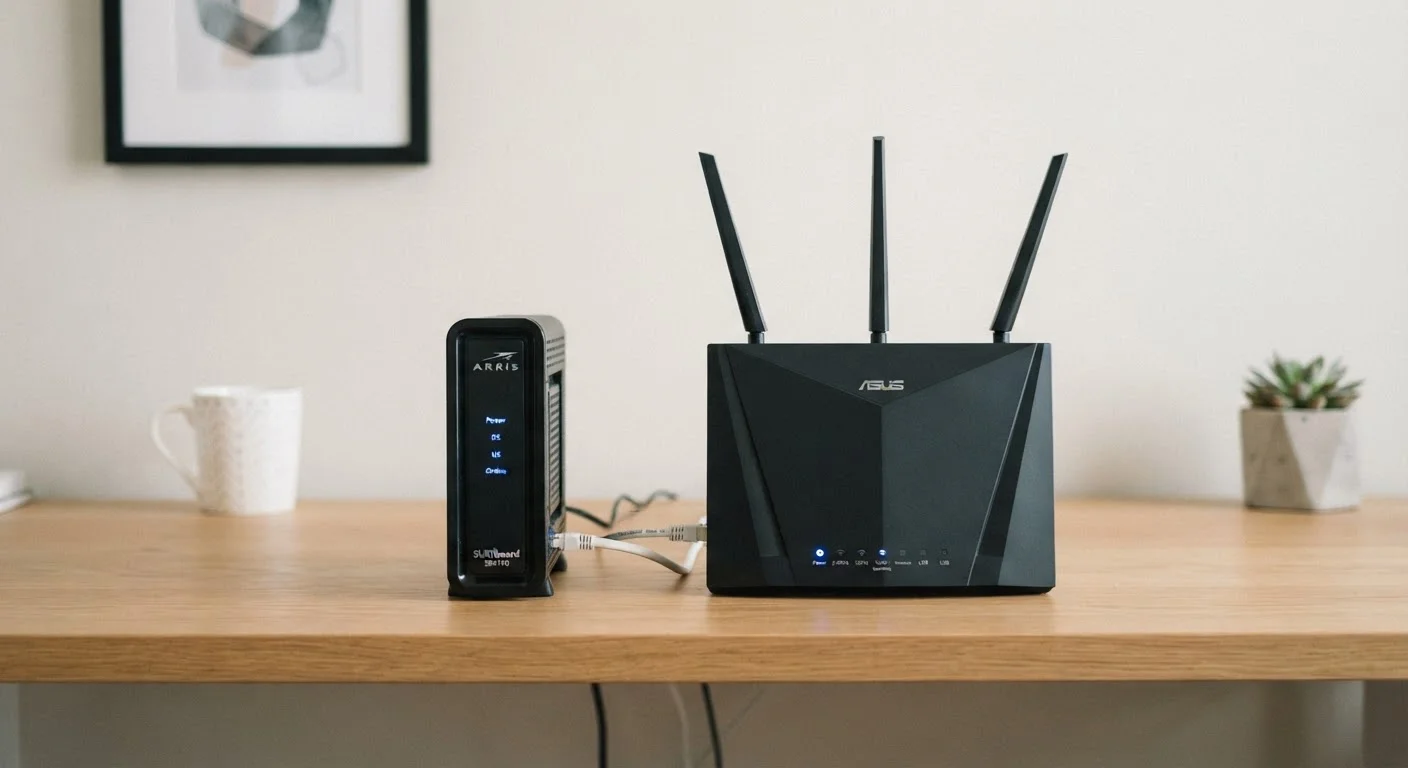
In a standard home setup, the modem connects to your ISP's wall outlet, and the router connects to the modem via an Ethernet cable. The router then broadcasts your Wi-Fi network and handles wired connections for any devices plugged into its LAN ports. This two-device chain is the foundation of nearly every home internet setup.
For most households, the sequence of troubleshooting also follows this chain: if nothing in the house has internet, start at the modem and check whether it's receiving a signal from the ISP. If some devices have connection issues but others don't, the router - or its placement - is usually the culprit. Our guide to setting up a home Wi-Fi network provides a practical walkthrough of the full process, from plugging in the modem to optimizing coverage throughout your home.
Understanding the distinct role each device plays also helps when upgrading. If your internet plan speeds have increased but your real-world speeds haven't, your modem may be the bottleneck - some older modems are rated for lower maximum speeds. Conversely, if your ISP connection tests fine but Wi-Fi in certain rooms is weak, a router upgrade or repositioning is the more effective fix. And if you're curious how different broadband technologies affect what's possible at the modem level, see our breakdown of fiber vs. cable internet.