How Each Technology Actually Works
The difference between fiber and cable internet starts at the physical layer - literally the wire running to your home. Understanding that distinction explains nearly every performance gap between them.
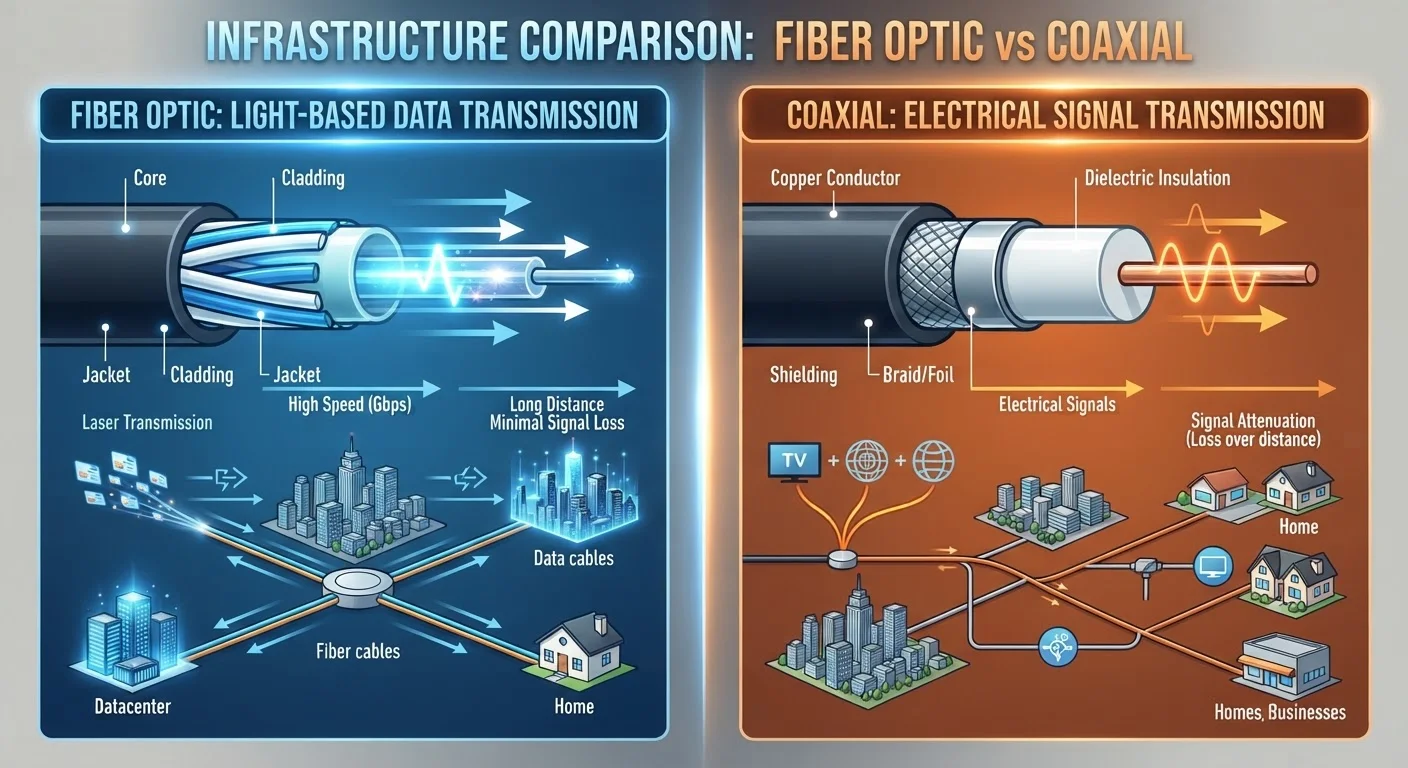
Fiber optic internet transmits data as pulses of light through thin strands of glass or plastic. Because light travels with virtually no electrical resistance and experiences minimal signal degradation over distance, fiber connections remain stable whether the provider's hub is one mile away or twenty.
Cable internet sends data as electrical signals over coaxial cable - the same type of infrastructure originally built to carry television signals. Coaxial lines are robust and widely deployed, but electrical signals degrade more over long distances and are subject to interference in ways that optical signals are not.
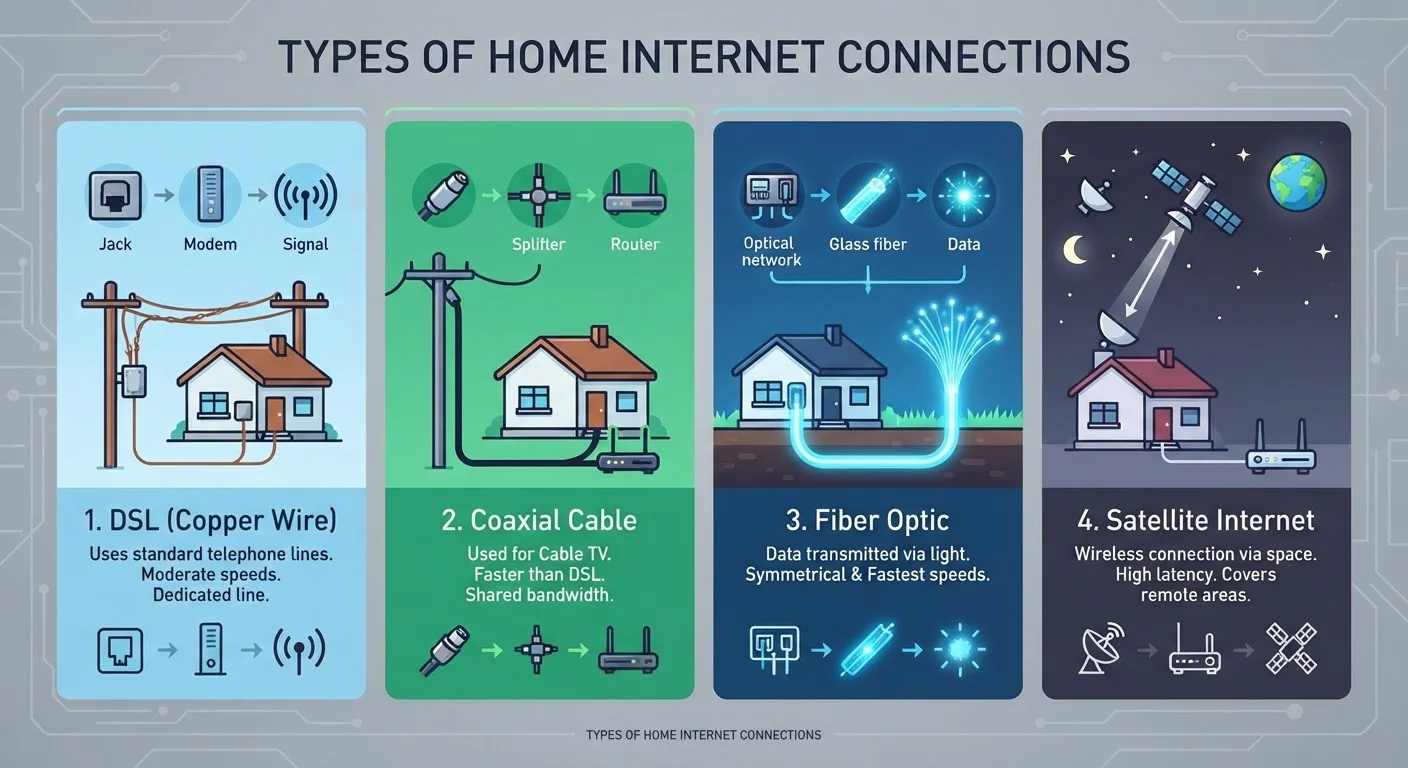
For a broader look at how these and other connection types fit into the home internet landscape, see our guide to DSL, cable, fiber, and satellite.
| Criterion | Fiber Internet | Cable Internet |
|---|---|---|
| Signal medium | Light through glass/plastic strands | Electrical signal over coaxial copper |
| Typical download speeds | 200 Mbps - 5 Gbps | 100 Mbps - 1.2 Gbps |
| Upload speeds | Symmetrical (matches download) | Asymmetrical (much slower than download) |
| Latency | Generally lower and more stable | Moderate; can spike under load |
| Network sharing | Dedicated or high-capacity lines | Shared neighborhood bandwidth |
| Peak-hour congestion | Minimal impact on speeds | Speeds may dip during peak hours |
| U.S. availability | Limited; growing in urban/suburban areas | Broad; reaches most U.S. households |
Speed, Symmetry, and What They Mean at Home
Raw speed numbers - measured in megabits per second (Mbps) or gigabits per second (Gbps) - are only part of the picture. Symmetry, the balance between download and upload speed, often matters just as much in real-world use.
Fiber plans are commonly described as symmetrical: a 500 Mbps plan typically delivers 500 Mbps both downloading and uploading. Cable plans are almost always asymmetrical, offering substantially faster downloads than uploads. A cable plan advertised at 500 Mbps download may provide only 20-50 Mbps upload.
This asymmetry rarely matters for passive activities like streaming movies. It becomes noticeable when you're uploading large files, backing up data to the cloud, or on a video call where your outgoing video stream relies entirely on upload bandwidth.
~43%
U.S. homes with access to fiber internet
According to the FCC's 2023 Broadband Data Collection report, roughly 43% of U.S. locations had access to fixed fiber broadband.
5-30 ms
Typical fiber internet latency range
Industry benchmarks from organizations such as the ITU consistently place fiber latency well below that of cable or satellite connections.
10-50 Mbps
Typical cable upload speed on a 500 Mbps plan
Cable plans frequently use DOCSIS technology that reserves far more channel capacity for downloads than uploads.
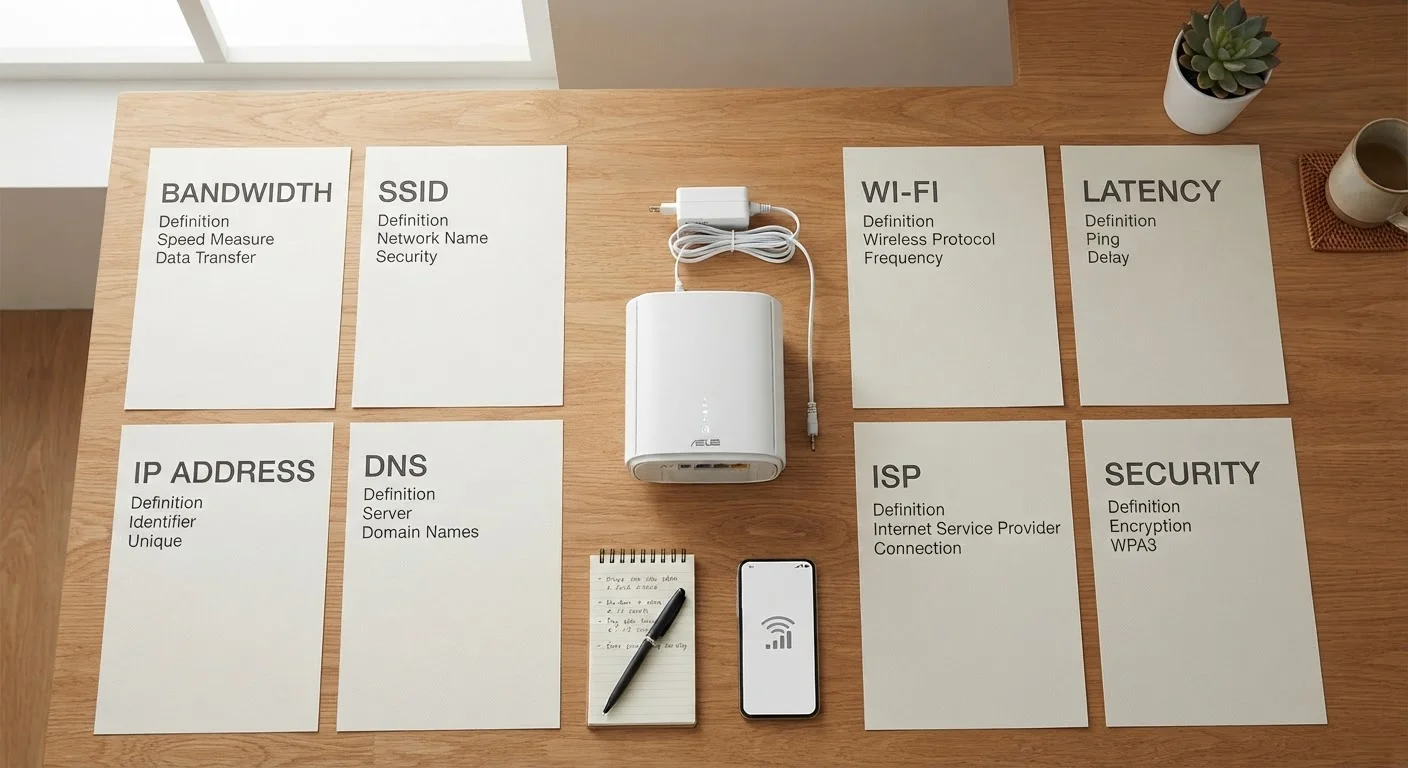
To figure out how much speed your specific household actually needs, our internet speed guide breaks it down by activity and user count. And if terms like Mbps, latency, or bandwidth feel unfamiliar, our plain-English jargon decoder covers them all.
Reliability and Network Congestion
One of the most consequential differences between fiber and cable isn't speed - it's how each network handles peak-hour traffic.
Cable internet uses a shared network architecture. Multiple households in a neighborhood draw from the same segment of bandwidth. During evenings and weekends when many people are online simultaneously, individual speeds can dip noticeably below the advertised maximum.
Fiber networks, by contrast, are generally built with dedicated or higher-capacity connections that are less susceptible to neighborhood-level congestion. That means speeds tend to stay closer to the advertised rate regardless of when you're connected.
Fiber also has an advantage in signal consistency. Because light signals degrade less over distance and aren't affected by electromagnetic interference, fiber connections tend to show lower latency (the delay in data transmission, measured in milliseconds) and more stable performance. This matters most in real-time applications: online gaming, live video calls, and interactive remote-desktop sessions all benefit from low, stable latency.
For context on how fiber and cable compare to options available outside urban areas, see our comparison of fixed wireless and satellite internet.
Availability and Practical Considerations
Despite its technical advantages, fiber internet is not yet available to most U.S. households. Deployment requires laying entirely new infrastructure, which is capital-intensive and tends to prioritize urban and dense suburban markets first. Cable, by contrast, benefits from decades of existing coaxial infrastructure reaching the large majority of American homes.
If you're evaluating your options, availability in your specific address - not the general area - is the starting point. Providers' coverage maps can vary in accuracy, so cross-referencing multiple sources is worthwhile.
It's also worth noting that neither technology operates in isolation from your home setup. The modem and router you use play a significant role in the speed you actually experience at your devices, regardless of which connection type you have. And some commonly held assumptions about internet speed don't hold up under scrutiny - our piece on home internet speed myths separates fact from fiction.
DOCSIS 3.1 and Multi-Gig Cable
Newer cable infrastructure using the DOCSIS 3.1 standard can deliver multi-gigabit download speeds and meaningfully improved upload performance compared to older cable systems. Some providers are also deploying DOCSIS 4.0, which promises more symmetrical speeds. However, availability of these upgrades varies significantly by provider and location, so verifying what your specific provider has deployed in your area is important before drawing conclusions about cable's upload limitations.