Speed Terms: What the Numbers Actually Mean
When you browse internet plans, you'll see speed figures front and center - but the numbers are only useful once you understand what they measure and which direction they describe.
Download speed is how fast data arrives at your device. Streaming a movie, loading a webpage, or receiving an email attachment all rely on download speed. Upload speed runs the other direction - it determines how quickly you can send data out. Video calls, remote work file transfers, and cloud backups depend on upload speed more than most people realize.
Both are measured in Mbps (megabits per second) or, for faster plans, Gbps (gigabits per second). Note that these are megabits, not megabytes - there are 8 bits in a byte, so a 100 Mbps connection transfers about 12.5 megabytes per second. This distinction matters when estimating how long a large file will take to download.
Latency is separate from speed. It measures round-trip response time in milliseconds. A plan can have high download speed but poor latency, which creates lag in real-time applications like video calls or online games. If your household games or does frequent video conferencing, latency deserves as much attention as raw speed numbers.
Advertised Speed vs. Actual Speed
Providers typically advertise maximum or "up to" speeds, not the speed you'll experience at any given moment. Actual speeds depend on network congestion, your equipment, and the distance from infrastructure. The Federal Communications Commission (FCC) publishes resources on how to test and interpret your real-world connection speed.
For a deeper look at how much speed your specific household needs, see our speed requirements guide.
Data Caps, Throttling, and Contract Terms
Speed gets the headlines, but plan structure terms can have an equally significant impact on your experience and your bill.
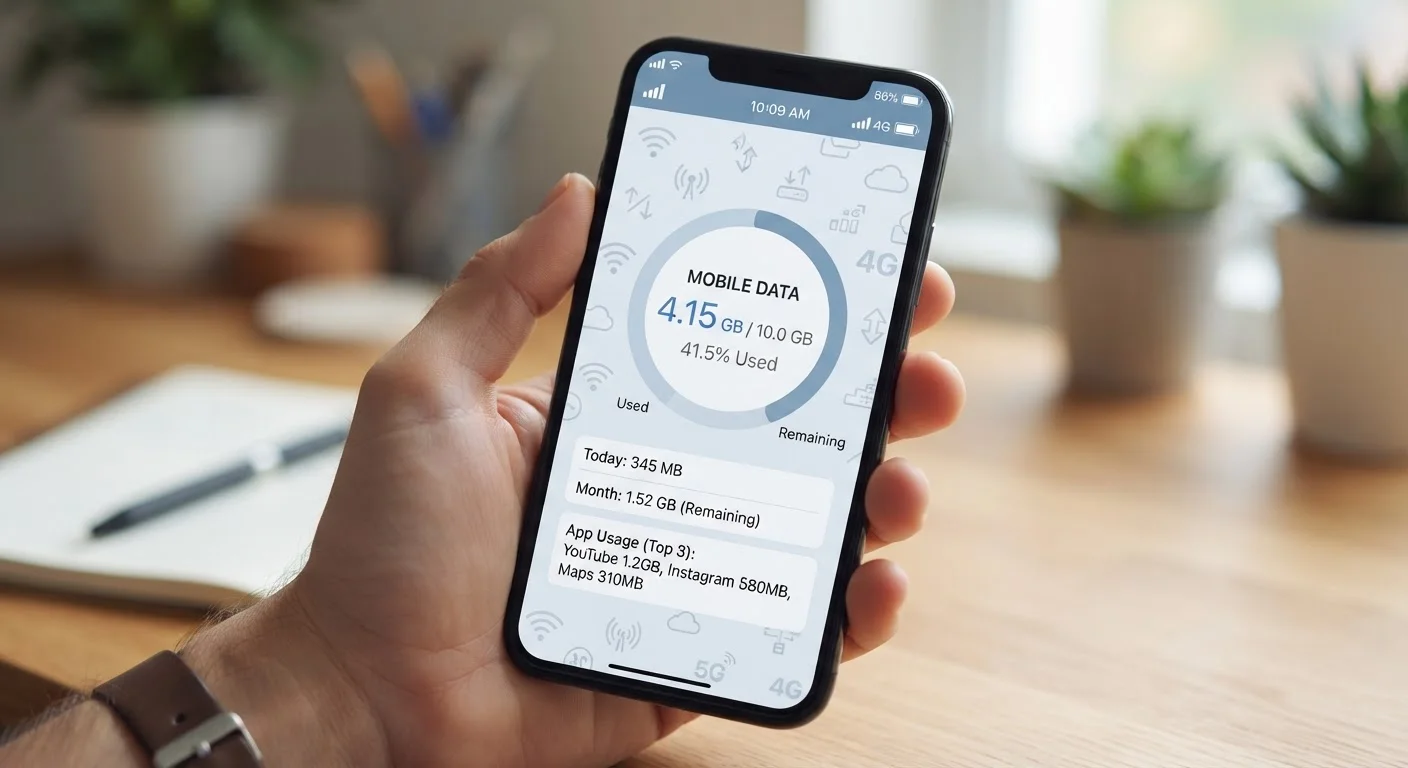
A data cap limits how many gigabytes (GB) you can use in a billing month. Some providers enforce caps strictly with overage charges; others slow your speed instead - a practice called throttling. Plans marketed as "unlimited" sometimes still include soft caps, after which speeds drop significantly during busy hours.
Deprioritization is a related concept: during network congestion, customers who have exceeded a data threshold may receive slower speeds than others until congestion clears. This differs from a hard cap, but the practical effect is similar. For a side-by-side comparison of how these policies work on mobile plans versus home internet, see our piece on how mobile carriers use throttling and deprioritization.
Contracts and ETFs are the terms most likely to create financial surprises. Some plans lock you in for one or two years with an early termination fee if you leave early. Others are month-to-month. Promotional pricing - an introductory rate that rises after 12 months - is also common and worth identifying before you commit. See our contract checklist for a full rundown of the clauses worth reading carefully.
| Standard speed unit | Mbps (Megabits per second) |
| Typical latency target for gaming | Under 50 ms (General industry benchmark) |
| Most common residential connection types | Cable, DSL, Fiber, Fixed Wireless, Satellite |
| Data cap trigger action | Throttling or overage charges (Varies by provider and plan) |
| Symmetrical speeds | Equal upload and download - common on fiber plans |
| Contract length (typical) | Month-to-month or 1-2 year terms |
Connection Types and Home Equipment
Not all internet connections use the same technology, and the type available at your address determines the ceiling on what speeds and reliability you can realistically get.
- Fiber optic transmits data as light signals and generally delivers the fastest, most consistent speeds - often with symmetrical upload and download rates.
- Cable uses the same coaxial infrastructure as cable TV. It's widely available and capable of high download speeds, though upload speeds are typically much lower, and performance can dip during peak hours in densely populated areas.
- DSL (Digital Subscriber Line) runs over telephone lines. Speeds vary significantly depending on how far your home sits from the provider's equipment.
- Fixed wireless uses a radio antenna installed at your home to receive a signal from a nearby tower. Speed and reliability depend heavily on line of sight and local terrain.
- Satellite internet reaches remote locations where wired infrastructure doesn't exist, though it typically carries higher latency than ground-based options.
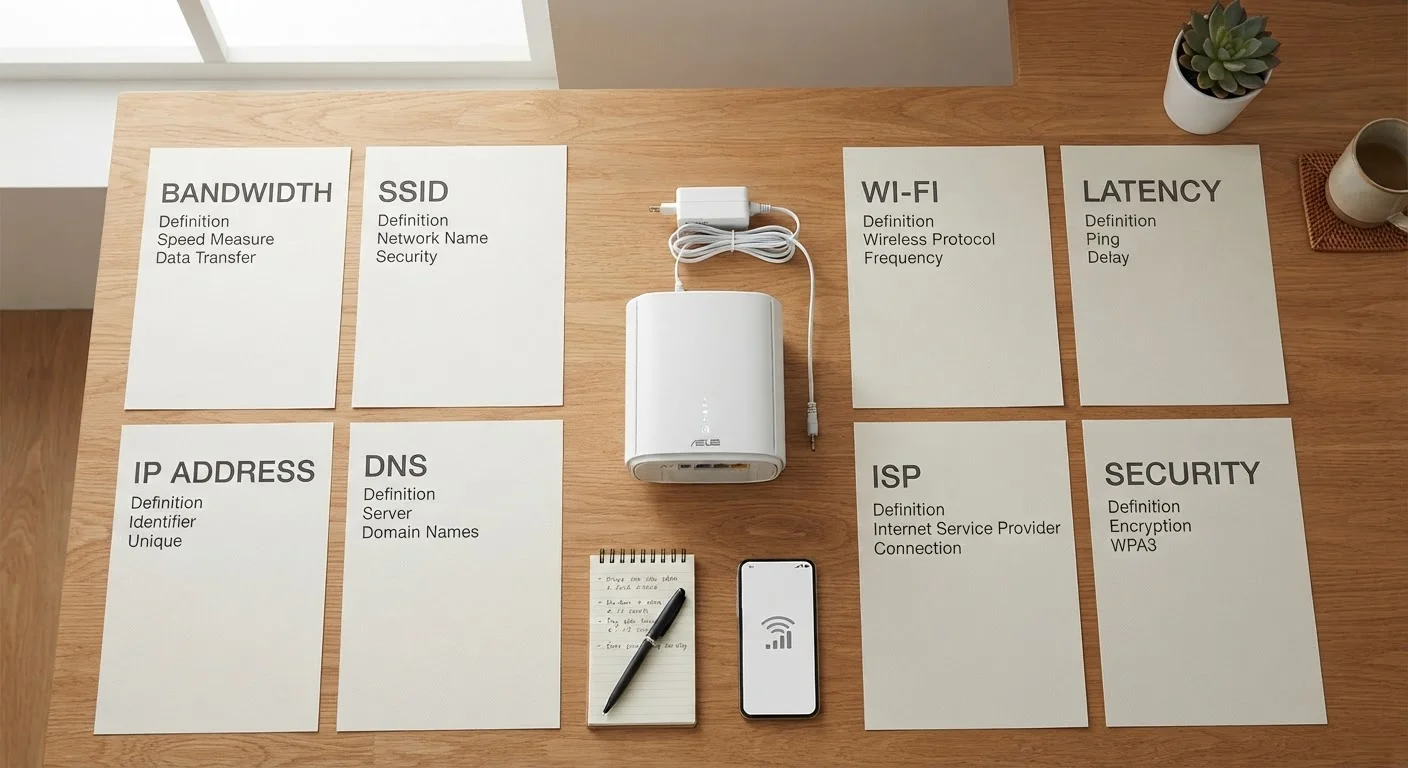
At home, a modem connects your residence to the ISP's network, while a router distributes that connection to your devices. Many providers rent a combined unit; buying your own compatible equipment is often an option that eliminates a monthly rental fee. For a complete walkthrough of setting up home internet from scratch, see our first-time subscriber guide.