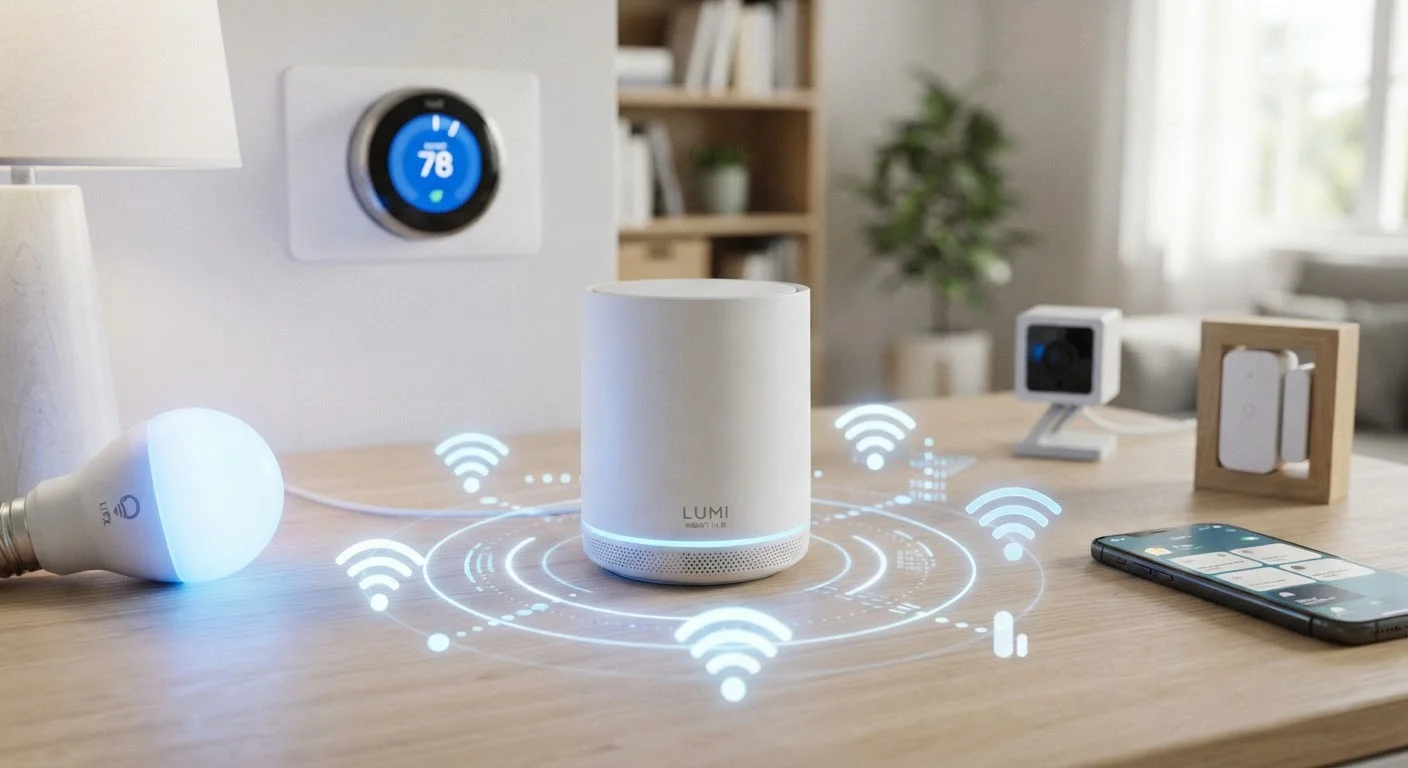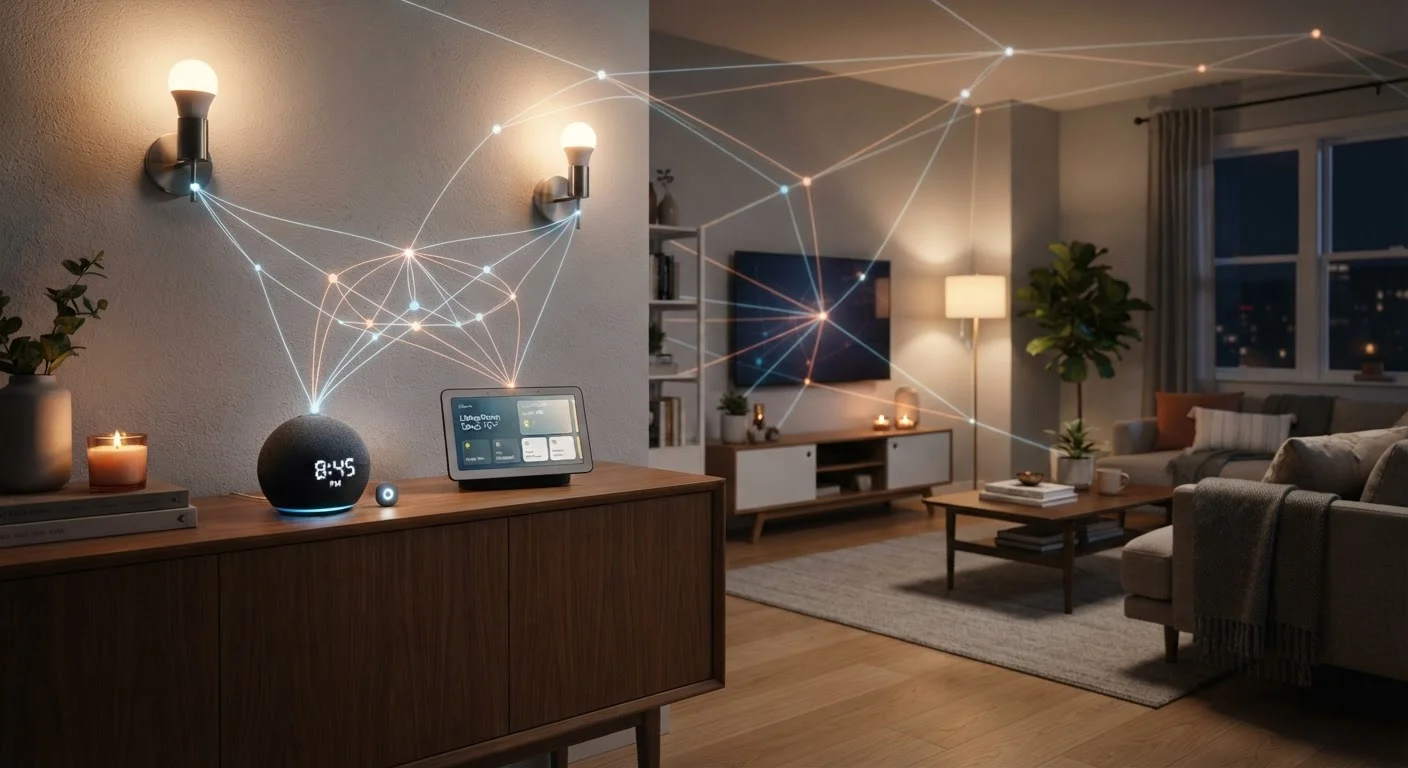

Why Smart Home Vocabulary Matters
Setting up a connected home is easier than ever - until you hit a wall of unfamiliar terms. What's the difference between a hub and a bridge? Does your device support Thread or Zigbee, and does that matter? Understanding the language of smart home technology isn't just useful trivia; it directly affects which products will work together and how reliably your setup will run.
This glossary covers the core terms you're most likely to encounter, whether you're buying your first smart bulb or expanding an existing ecosystem. For a deeper dive into how devices are used room by room, see how smart home devices are used differently across the house.
| Primary connectivity protocols | Wi-Fi, Zigbee, Z-Wave, Thread, Bluetooth |
| Matter standard governing body | Connectivity Standards Alliance (CSA) |
| Mesh network advantage | Eliminates dead zones through multi-node coverage |
| Hub vs. Bridge | Hub controls devices; Bridge translates between protocols |
| Local vs. cloud processing | Local is faster and works without internet; cloud offers remote access |
Connectivity and Network Terms
Smart devices communicate using a variety of wireless protocols, each with different strengths. Understanding the basics helps you predict compatibility and troubleshoot weak spots.
Hub
A central device that connects and controls smart home gadgets, often supporting multiple protocols. It processes automations locally and acts as the communication backbone of a smart home system.
Bridge
A device that translates between two different wireless protocols, allowing incompatible devices to communicate. Unlike a hub, a bridge doesn't typically run automations on its own.
Matter
An open connectivity standard developed by the Connectivity Standards Alliance that allows smart home devices from different brands to work together. It uses Thread or Wi-Fi as its underlying radio technology.
Thread
A low-power, IPv6-based mesh networking protocol designed for smart home devices. It enables devices to communicate directly without a proprietary hub and serves as the radio layer for Matter.
Zigbee
A low-power wireless mesh protocol widely used in smart home sensors, lights, and switches. Zigbee devices form a self-healing mesh, meaning each device can relay signals to extend network range.
Z-Wave
A proprietary low-power wireless protocol used primarily for smart home devices. It operates on a separate frequency from Wi-Fi to reduce interference and requires a Z-Wave compatible hub.
Mesh Network
A home Wi-Fi system using multiple nodes that communicate with each other to provide consistent coverage across a large area. Each node acts as both a router and a relay, reducing dead zones.
Ecosystem
A collection of smart home devices and software from one brand or platform designed to work together natively. Mixing ecosystems can create compatibility challenges without a hub or standard like Matter.
Local Processing
When a smart device or hub handles commands and automations on-site rather than routing them through a cloud server. Local processing typically results in faster response times and works even if the internet is down.
API (Application Programming Interface)
A defined set of rules that allows different software applications to communicate. In smart home contexts, an open API lets third-party apps or platforms integrate with a device's functions.
Latency
The delay between issuing a command and a device responding. High latency - often caused by cloud-dependent processing or weak network signals - can make smart devices feel sluggish or unreliable.
Interoperability
The ability of devices from different manufacturers or platforms to communicate and work together. Interoperability is the central problem that standards like Matter are designed to solve.
Wi-Fi is the most familiar option, offering high bandwidth but drawing more power - better suited for video cameras than battery-powered sensors. Zigbee and Z-Wave are low-power mesh protocols designed specifically for smart home devices; they require a compatible hub but are highly reliable for sensors, locks, and switches. Thread is a newer low-power mesh protocol that operates without a proprietary hub, forming the radio layer beneath the Matter standard.
A mesh network extends Wi-Fi coverage by using multiple nodes that communicate with each other, eliminating dead zones in larger homes. This is distinct from a traditional router-and-extender setup, where coverage hand-offs can be less seamless. For more detail on how your home internet connection supports all of this, explore home internet options and speeds.
To see how these protocols compare side by side, Wi-Fi, Zigbee, Z-Wave, and Thread explained goes into practical detail.
Hubs, Bridges, and the Matter Standard
Two of the most confused terms in smart home setup are hub and bridge. A hub is a central controller that devices connect to and report through - it handles automations, schedules, and communication between devices. A bridge is narrower in scope: it translates between two different protocols (for example, converting Zigbee signals to Wi-Fi so a non-Zigbee app can control a Zigbee bulb).
Matter is an industry standard developed to reduce the fragmentation caused by competing ecosystems. A Matter-certified device is designed to work with any Matter-compatible platform - whether that's a voice assistant, a smartphone app, or a dedicated hub - without requiring a brand-specific bridge. The standard uses Thread or Wi-Fi as its underlying radio technology.
Matter doesn't eliminate all compatibility concerns, but it meaningfully reduces the risk of buying a device that only works within one ecosystem. For a fuller picture of what Matter does and doesn't solve, see everything you need to know about the Matter smart home standard.
Matter Certification Doesn't Guarantee Every Feature
A Matter-certified device will work across compatible platforms for basic functions like on/off control and status reporting. However, advanced or brand-specific features - such as proprietary color scenes or energy monitoring details - may still require the manufacturer's own app. Always check the device's Matter feature profile if full cross-platform functionality is important to you.
Once your devices are connected, keeping them secure is equally important. Keeping connected devices secure on your home network covers practical steps that don't require technical expertise.