Why Room Context Changes Everything
Smart home technology is often marketed as a single, unified upgrade - install a few devices, download an app, and your home runs itself. In practice, how people actually use connected devices varies dramatically depending on which room they're in and what problem they're trying to solve.
A smart speaker that's genuinely useful in the kitchen might feel pointless in a guest room. A motion sensor that adds peace of mind at your front door serves an entirely different purpose in a child's bedroom. Understanding this room-by-room logic is one of the most practical ways to avoid buying hardware that collects dust.
For a broader look at how your devices communicate with each other, see our guide to smart home ecosystems. Below, we break down the most common and genuinely useful applications by location.
Kitchen: Hands-Free Help and Appliance Oversight
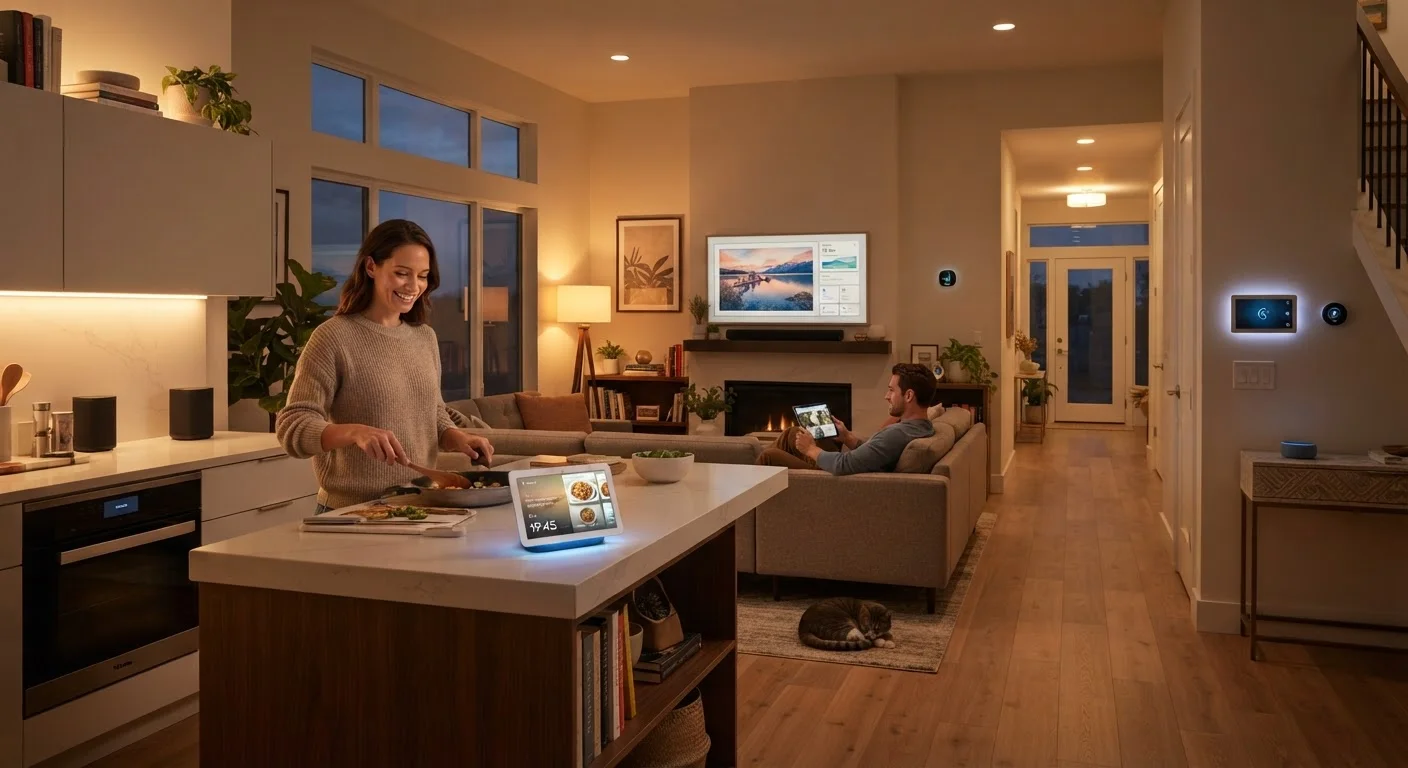
The kitchen is one of the highest-activity rooms in most homes, and it's where voice-controlled devices tend to earn their keep most reliably. When your hands are covered in flour or you're managing three burners at once, being able to set a timer, convert a measurement, or add an item to a shopping list by voice is genuinely useful - not just a novelty.
Smart displays (screen-equipped voice assistants) are particularly popular here because they can show recipes step by step while you cook. Some households also use smart plugs to monitor energy draw from older appliances or to set schedules for coffee makers. Leak-detection sensors under the sink add a layer of safety without requiring any ongoing interaction.
Voice control earns its keep most in the kitchen, where hands-free help is a practical daily need.
Living Room: Entertainment Control and Ambient Automation
The living room is where most households centralize their entertainment stack - streaming devices, soundbars, smart TVs - and it's a natural fit for automation routines. A single voice command or a scheduled scene can dim the lights, lower a shade, and switch inputs simultaneously, reducing the remote-juggling that frustrates many viewers.
Smart lighting in particular changes how a living room feels at different times of day. Tunable bulbs can shift from bright, cool-toned light in the afternoon to warmer, dimmer light in the evening - a feature some users find supports a more natural wind-down before bed. The wireless protocol your bulbs use affects how reliably they respond and whether they need a separate hub.
Living rooms benefit most from automation routines that consolidate lighting, shading, and entertainment into single commands.
Bedroom: Sleep Support and Morning Routines
Bedroom use cases for smart devices tend to focus on comfort and routine rather than control. Smart thermostats or room sensors allow temperature to drop automatically at a set hour, which aligns with guidance from sleep researchers about cooler sleeping environments. Sunrise alarm clocks - which gradually brighten a smart bulb rather than sounding a harsh tone - are another commonly cited application.
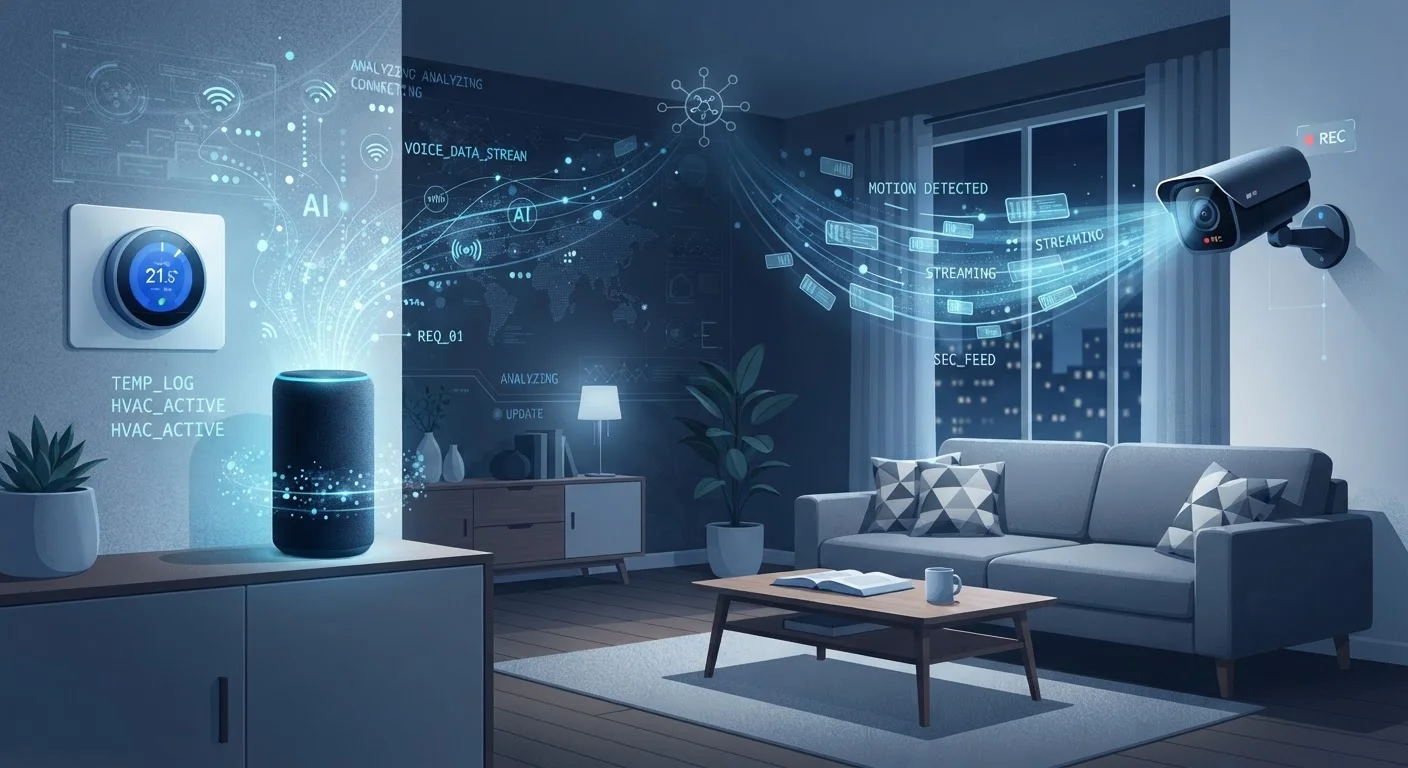
Smart speakers in the bedroom are more divisive. Some households appreciate the convenience; others are uncomfortable with always-on microphones in a private space. That concern is legitimate and worth weighing. Our coverage of smart device data collection covers this in more depth.
Bedrooms favor subtle automation - temperature scheduling and gradual lighting - over active control.
Entryways and Doors: Security and Access Management
Front doors, garages, and entryways are where security-focused smart hardware is most clearly justified. Video doorbells let residents see and speak to visitors remotely - a practical feature for package deliveries, unannounced guests, or households where a family member has limited mobility. Smart locks eliminate the need to hide physical keys and allow temporary access codes for house guests, pet sitters, or service workers.
Motion-triggered lighting in the driveway or on the porch is another entry-point staple. These devices are relatively simple but address a concrete concern. One consideration worth noting: keeping these entry-point devices secure on your network matters, since a compromised smart lock or camera is a meaningful risk.
Entry points offer the clearest security use case for smart hardware, but network security deserves equal attention.
Home Office: Focus, Efficiency, and Network Awareness
For people who work from home, smart devices in the office tend to serve productivity and comfort. Automated do-not-disturb lighting scenes - where a specific bulb color signals to family members that a call is in progress - have become a practical workaround in shared households. Smart plugs can cut standby power to monitors and peripherals at the end of the workday.
Network reliability matters more in a home office than almost anywhere else. If you're running multiple smart devices alongside video calls and cloud work, understanding the difference between your modem and router - and which one affects performance - is worth a few minutes. Our modem vs. router explainer covers the basics clearly.
Home offices benefit from automation that signals availability and keeps standby power consumption in check.
Laundry Room and Utility Spaces: Monitoring and Alerts
Utility spaces are where set-and-forget monitoring devices deliver quiet but meaningful value. Water leak sensors near washing machines, water heaters, and utility sinks can alert homeowners to a developing problem before it becomes expensive damage. Smart plugs with energy monitoring can reveal whether an aging appliance is drawing more power than it should - a useful data point when weighing repair versus replacement.
These are not glamorous applications, but they address real household risks. Unlike the living room or kitchen, the goal in a utility space isn't convenience - it's awareness. A device that silently monitors and only speaks up when something is wrong is exactly the right tool for the job in these rooms.
Utility spaces call for monitoring devices that stay silent until something actually goes wrong.
Making Connected Devices Work Together
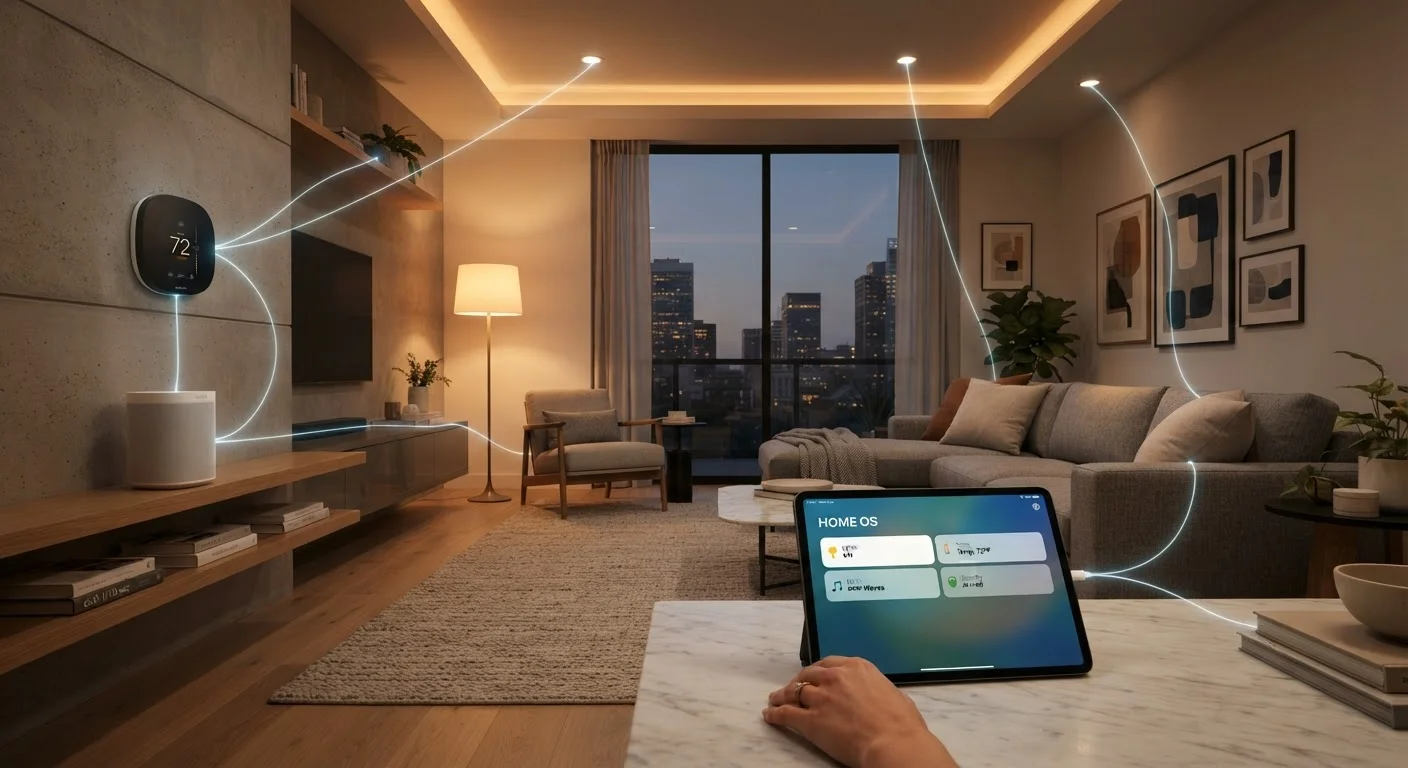
The real payoff from smart home hardware often comes not from individual devices but from how they work in combination. A smart thermostat adjusting based on occupancy sensors, or porch lights triggering when a doorbell camera detects motion - these integrations are where connected living delivers tangible value.
Start With One Room, Not the Whole House
A common mistake is purchasing smart devices for multiple rooms at once before understanding how they'll actually be used. Starting with one high-friction area - typically the kitchen, entryway, or home office - lets you evaluate whether a device earns its place before expanding. This approach also makes troubleshooting easier and helps you build a coherent ecosystem gradually rather than inheriting a compatibility problem across a dozen mismatched devices.
If you're new to the terminology around hubs, protocols, and pairing, the Connected Home Glossary is a useful plain-language reference. And if privacy is a concern - as it reasonably should be - our article on what data smart devices actually collect offers a grounded look at what these devices know about your household and how to manage it.
Start with the rooms where you feel the most friction in your daily routine. That's typically where a well-chosen connected device delivers the clearest return.