Why Connected Devices Introduce Unique Security Risks
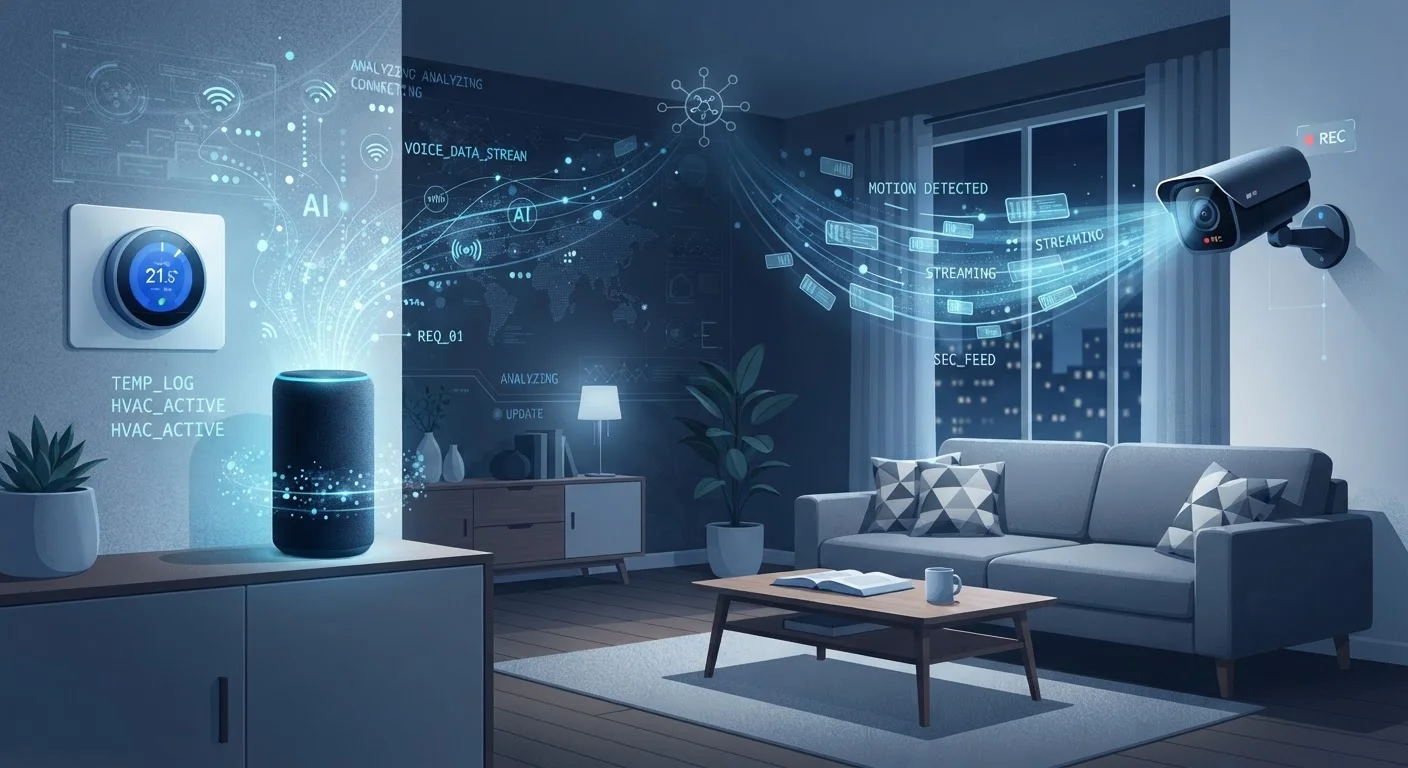
Smart TVs, video doorbells, robotic vacuums, smart speakers - each of these brings convenience, but each also opens a door onto your home network. Unlike laptops or phones that receive frequent security patches and benefit from user attention, many IoT devices run lean software stacks that manufacturers may update infrequently or eventually abandon altogether.
The result is a network that may include dozens of devices with varying - and sometimes very low - security baselines. Attackers who compromise even a single under-secured device can use it as a foothold to probe other devices on the same network. Understanding this landscape is the first step toward addressing it. For a broader look at what data these devices collect in the process, see our guide to smart device data collection.
Not All Routers Offer the Same Controls
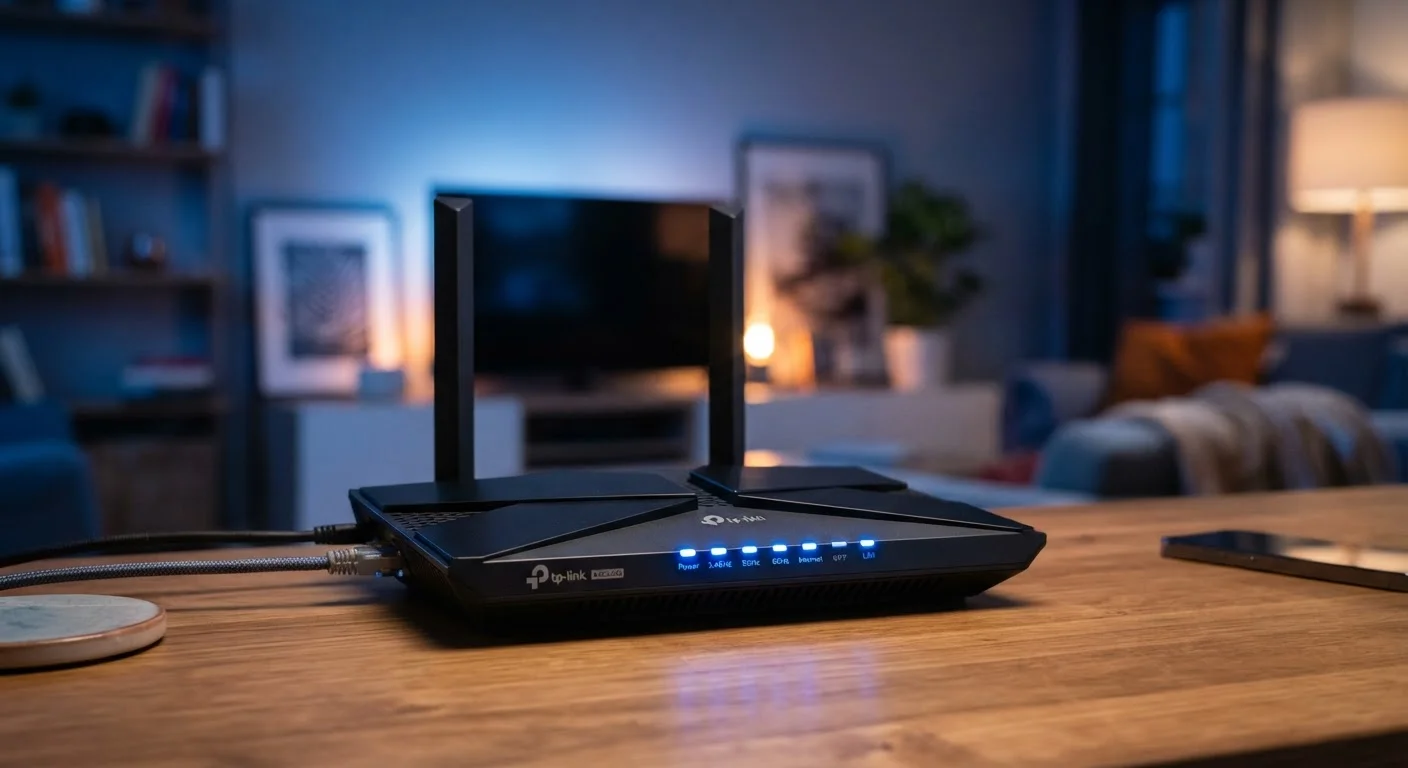
The ability to create separate network segments, manage connected devices, or configure firewall rules varies significantly by router model and firmware. If your current router offers limited controls, upgrading to a more capable model - or switching to a mesh system with a dedicated app interface - can meaningfully expand your security options. Check your home internet setup options if you're evaluating a router upgrade.
Core Practices That Reduce Your Exposure
Most meaningful home network security improvements don't require technical expertise - they require consistent habits and a few one-time configuration steps. The practices below are ranked by the breadth of protection they provide.
Segment IoT devices onto a separate network or VLAN
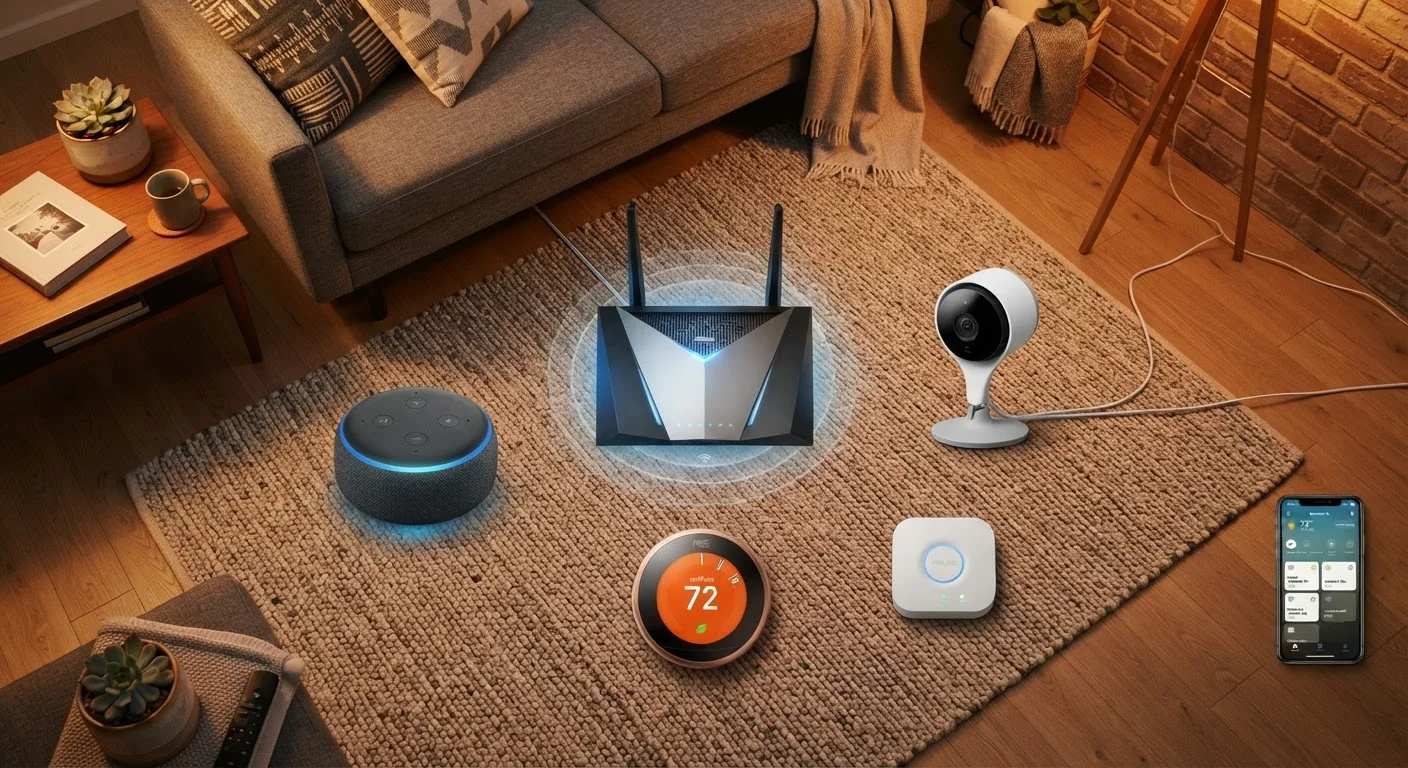
Placing smart devices on a dedicated network - most routers allow you to create a separate guest or IoT Wi-Fi band - means that if one device is compromised, an attacker cannot easily pivot to your computers, phones, or financial accounts on the main network. Network segmentation is a foundational principle in enterprise security that applies just as well at home.
Change default usernames and passwords on every device
Factory-default credentials are publicly documented and actively exploited by automated scanning tools. A device left on its default login is effectively unlocked. This applies both to the device itself and to the router or hub managing it.
Enable automatic firmware updates wherever possible
Firmware updates frequently include patches for known security vulnerabilities. Devices running outdated firmware are exposed to exploits that manufacturers have already fixed - but only for users who applied the update. Automating this removes the need to remember manual checks.
Disable features you don't actively use
Many connected devices ship with remote access, UPnP, or Telnet enabled by default - capabilities that expand attack surface without providing value to most users. Each unused but enabled feature is an additional vector a bad actor could potentially exploit.
Use strong, unique passwords managed with a password manager
Reusing passwords across multiple devices or accounts means a single breach can cascade into many. A password manager generates and stores unique credentials for each device and app, eliminating the temptation to reuse simple passwords.
Review app permissions for each device's companion app
Companion apps often request access to location, contacts, or microphone data that may not be strictly necessary for the device to function. Granting unnecessary permissions extends your data exposure beyond your home network.
Quick Actions You Can Take Today
If you're not sure where to start, these steps deliver real security value with minimal setup time. Most can be completed in under 30 minutes using your router's admin panel or a device's companion app.
For a deeper look at router-level hardening - including disabling UPnP and configuring firewall rules - our home network security guide covers those steps in detail. And if your smart devices are struggling to stay connected in the first place, this article on connectivity drop-offs explains the most common causes.
Staying Secure as Your Smart Home Grows
Security isn't a one-time setup - it's an ongoing practice, especially as you add new devices. Each addition changes your network's profile. Before purchasing a new connected device, it's worth checking whether the manufacturer has a track record of issuing firmware updates and clearly communicating security disclosures.
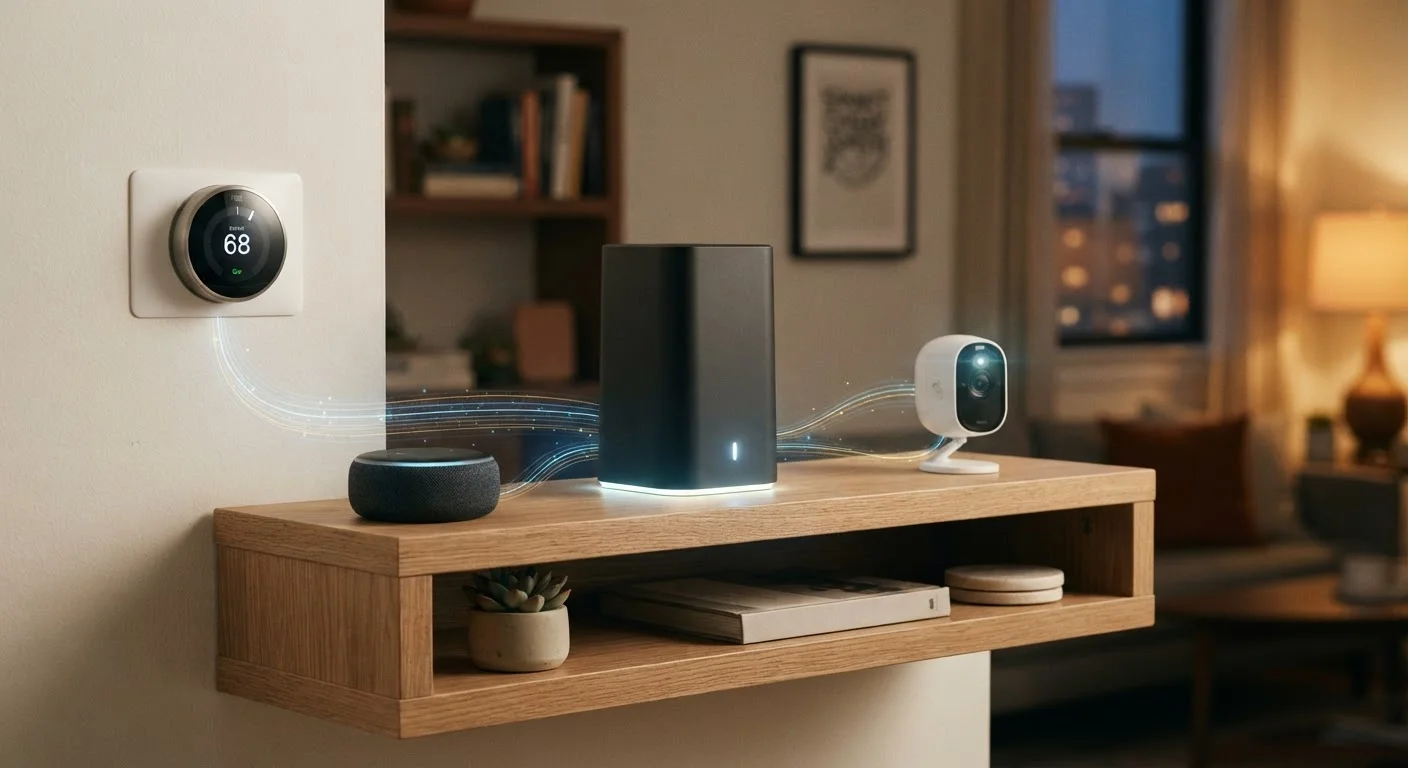
Understanding how your devices communicate with each other also matters. Smart home ecosystems built on modern standards tend to carry stronger baseline security requirements. Emerging standards like Matter are specifically designed to improve interoperability while incorporating updated security practices - you can read more in our overview of the Matter standard.
Finally, revisit your device list periodically. Remove or factory-reset gadgets you no longer use - a device you've forgotten about is one you're no longer updating.