Where Tablets and Laptops Actually Overlap
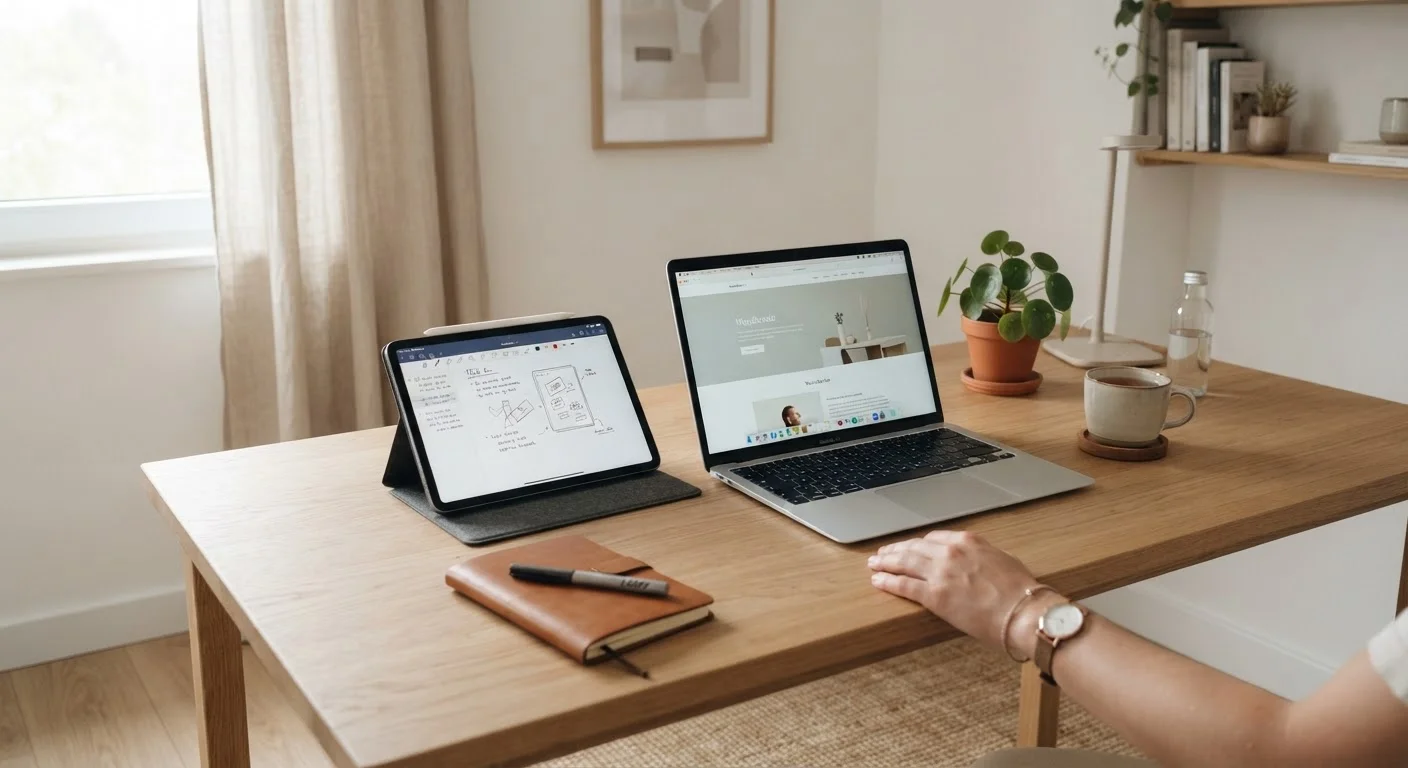
Walk into any home today and you're likely to find both a tablet and a laptop - sometimes owned by the same person. That's because these devices share significant functional territory: both connect to Wi-Fi, run streaming apps, handle video calls, and support web browsing. The overlap creates real confusion when it's time to choose one as a primary device.
The distinction becomes clearer when you look beyond the spec sheet and focus on how each device fits into daily routines. A tablet shines in passive, touch-driven moments - reading on the couch, watching a show in bed, or quickly checking the news. A laptop earns its place when the task demands sustained focus, precise input, or software that simply doesn't exist in mobile app form.
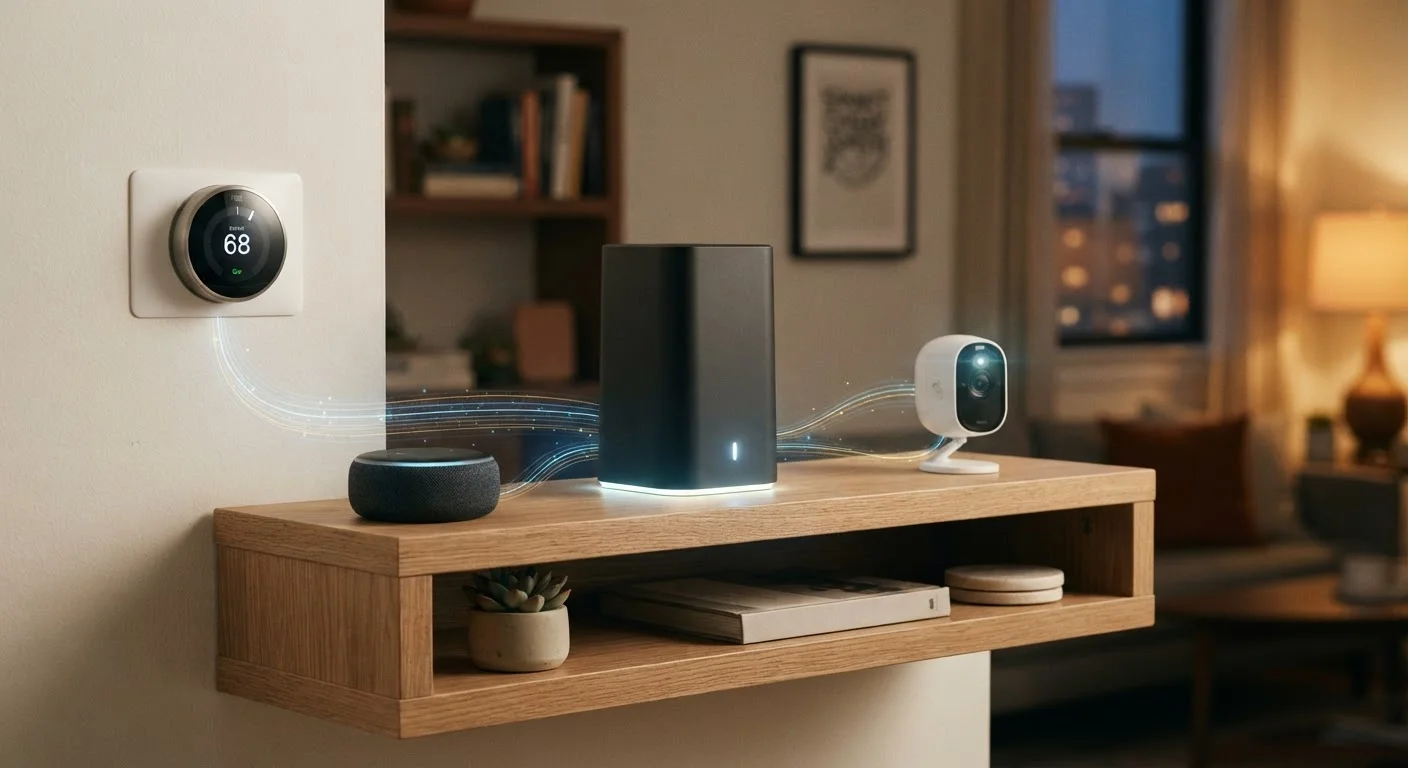
Both devices rely on a solid home network to perform well. For households evaluating their connectivity setup, home internet options are worth reviewing alongside any device decision.
| Criterion | Tablet | Laptop |
|---|---|---|
| Portability | Lightweight, highly portable | Heavier, less grab-and-go |
| Input method | Touchscreen primary | Physical keyboard and trackpad |
| Software access | Mobile/tablet app ecosystem | Full desktop applications |
| Multitasking | Limited on most platforms | Robust, multiple windows |
| Battery life (typical) | 8-12+ hours | 6-10 hours |
| File management | Simplified, app-based | Full file system access |
| Best use case | Streaming, browsing, reading | Work, school, content creation |
| Ease of use for beginners | Very intuitive | Moderate learning curve |
What a Tablet Does Well - and Where It Falls Short
Tablets are purpose-built for consumption. Their touchscreen interfaces, slim profiles, and long battery life make them natural companions for media-heavy households. For casual users who mainly browse, stream video, video-chat with family, or read digital books, a tablet delivers everything needed without the weight or complexity of a full computer.
The limitations surface quickly when productivity enters the picture. Most tablet operating systems restrict true multitasking, and many professional applications - from specialized design tools to full versions of productivity suites - are either unavailable or significantly stripped down in their mobile equivalents. Typing extended documents on a glass screen remains uncomfortable for most people, and even with an add-on keyboard case, the experience rarely matches a laptop's ergonomics.
Tablets also tend to have shorter software support windows and more constrained file management than laptops - factors worth considering for household members who store and organize large volumes of files.
53%
U.S. adults who own a tablet
According to Pew Research Center survey data, tablet ownership among American adults has stabilized around a majority, reflecting strong mainstream adoption.
~74%
Households with a laptop or desktop computer
U.S. Census Bureau data consistently shows laptop and desktop computers remain the most common computing device in American homes.
30%+
Remote workers who use a personal device
Multiple workforce surveys indicate a significant share of remote employees rely on personal laptops rather than employer-issued hardware for daily work tasks.
What a Laptop Does Well - and Where It Falls Short
A laptop's core advantage is versatility. With a physical keyboard, trackpad, full desktop operating system, and USB ports, it handles nearly any task a home user encounters - remote work, school assignments, photo editing, video calls, or managing household finances. That full-software access means fewer workarounds and fewer compromises.
Laptops do carry trade-offs. They're heavier, take longer to wake from sleep, and are less comfortable to use while lounging. Battery life has improved considerably, but tablets still generally lead in longevity for light workloads. And for strictly casual users, the added capability of a laptop may go entirely unused - making it a more expensive, heavier device than the situation calls for.
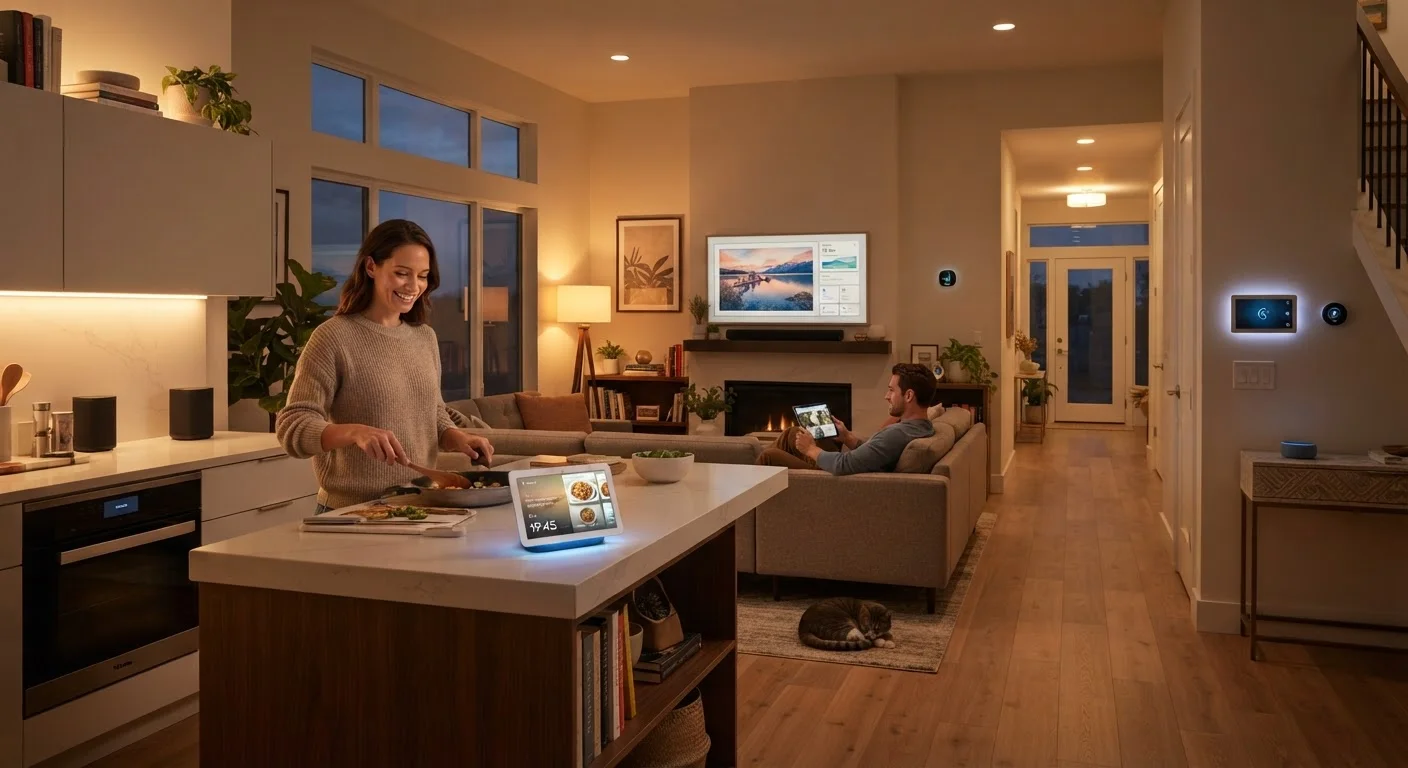
For households weighing how different devices slot into specific rooms and routines, how connected devices serve different rooms offers useful framing. If security is a concern after adding any new device to your network, keeping connected devices secure outlines practical steps.
Making the Decision for Your Household
The most useful question isn't which device is technically superior - it's which device matches the actual tasks and habits of the people using it. A household where the heaviest computing task is streaming a movie series calls for a different answer than one where someone logs eight hours of remote work daily.
Consider who else shares the device. A tablet's intuitive interface benefits younger children and older adults with less prior tech experience. A laptop's keyboard and file system better serve students and professionals. If budget allows only one device, lean toward the one that handles your most demanding regular use case - you can always supplement with a smartphone for casual tasks.
For mobile device context and how tablets compare to smartphones as secondary screens, the phones and plans hub covers the broader connected-device picture. If wearables or health gadgets are also on your radar, understanding what consumer health gadgets can and can't do is worth a read before expanding your device ecosystem.
Hybrid Devices: A Middle Ground Worth Knowing
Detachable 2-in-1 laptops and tablet-keyboard combos occupy a middle category that blurs the line between these two device types. They offer touchscreen flexibility alongside a physical keyboard, though they often involve trade-offs in both areas - thinner keyboards than dedicated laptops and less tablet-like portability. If you're genuinely split between the two form factors, a 2-in-1 device is worth evaluating, but read detailed hands-on reviews carefully before assuming it fully replaces either.