The Invisible Data Layer in Your Home
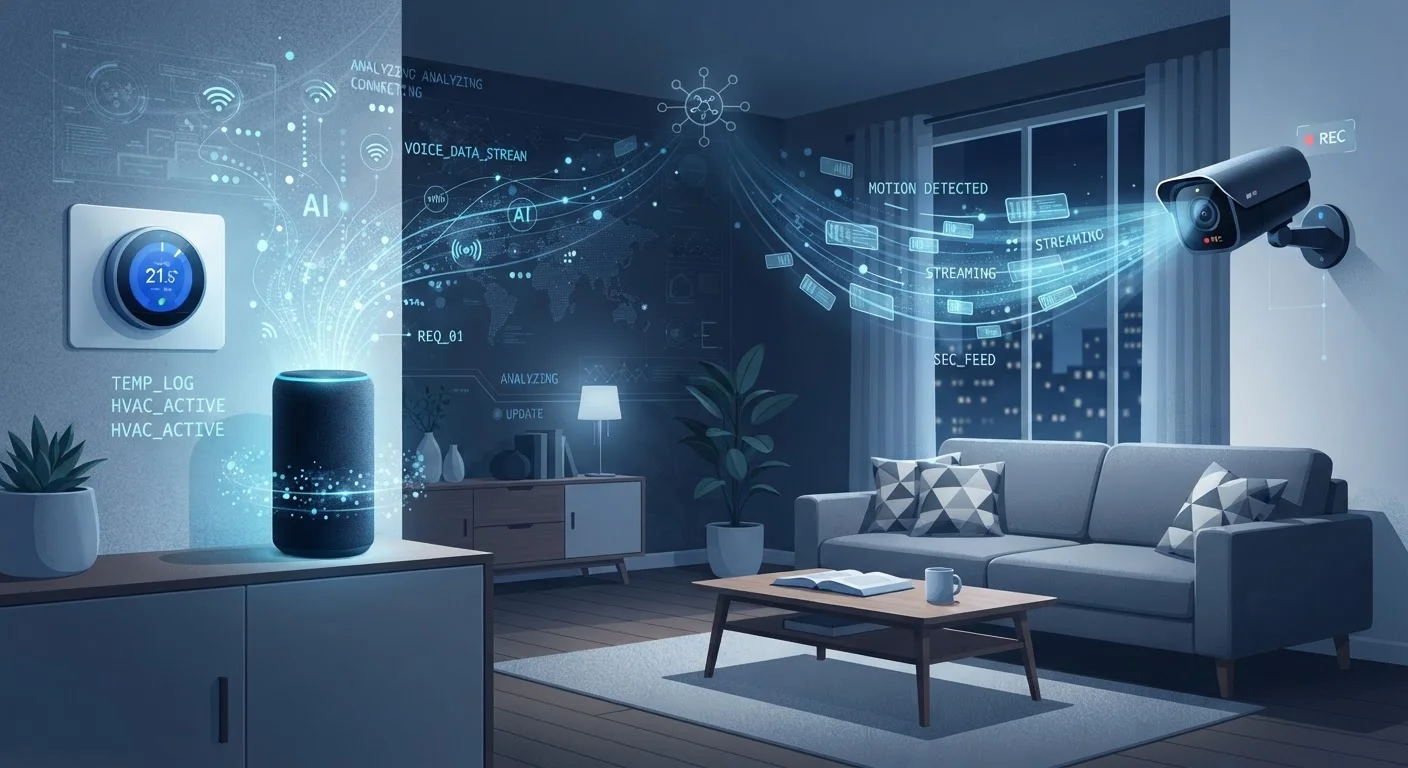
Every smart device in your home is, by design, a data collection endpoint. That's not a conspiracy - it's how connected products deliver their features. A smart thermostat learns your schedule. A voice assistant responds to commands. A robot vacuum maps your floor plan. Each of these functions requires gathering, storing, and often transmitting data.
The question most consumers face isn't whether their devices collect data, but what kind, how much, where it goes, and who can access it. Answering those questions clearly is what this article sets out to do.
69%
US adults own at least one smart home device
According to Pew Research Center survey data on smart home technology adoption in the United States.
~1,000
Data points collected per day by some smart TVs
Consumer Reports research found that certain smart TV models transmit thousands of data signals daily through ACR and other tracking technologies.
4 in 10
Smart speaker owners concerned about privacy
Pew Research Center found that a substantial share of smart speaker users express concern about their devices listening to or recording conversations.
What Different Device Types Actually Collect
Data collection varies significantly by device category. Here's an honest breakdown of the most common types found in American homes:
Voice Assistants
Devices like smart speakers use on-device processing to detect a wake word, but once triggered, audio is sent to cloud servers for interpretation. Manufacturers typically store these recordings for a period of time and may use them to train language models. Accidental activations - where the device responds without a deliberate wake word - are documented and mean unintended audio can be captured.
Smart TVs
Beyond your streaming app accounts, the TV itself may run automatic content recognition (ACR) software that takes periodic screenshots of what's on screen and matches them against a database. This creates a detailed viewing record independent of what streaming service you use - and that data is often monetized through ad targeting.
Security Cameras and Video Doorbells
These devices capture continuous or motion-triggered video, which is typically stored in the cloud. Some manufacturers analyze footage locally; many analyze it remotely. Depending on the service agreement, law enforcement can request footage directly from the company without your immediate knowledge in some circumstances.
Smart Thermostats and Sensors
Occupancy sensors, motion detectors, and thermostats build detailed behavioral profiles: when you wake up, when you leave, when you return, even room-by-room movement patterns. This data is used to optimize energy use but also represents a granular record of your daily life.
For a broader look at how these devices interact on a single network, see our guide to smart home ecosystems.
Where Your Data Goes After It Leaves Your Home
Once data reaches a manufacturer's servers, its journey is governed by that company's privacy policy - a document most users never read. Common destinations include:
- Internal product improvement: Voice recordings, usage logs, and sensor data are used to refine algorithms and update device behavior.
- Advertising platforms: Many manufacturers operate ad businesses or partner with advertising networks, where behavioral data informs targeting.
- Third-party data brokers: Aggregated or anonymized data is sometimes sold or licensed to data brokers, who combine it with other sources.
- Law enforcement: Upon valid legal process, companies may be compelled to share stored data, including video footage and audio logs.
The degree of sharing varies enormously between manufacturers. A company's stated privacy commitments - and whether it operates in a state with strong consumer privacy laws - matter more than the product category alone.
“Privacy policies are a start, but they're written by lawyers for liability protection - not to help consumers understand what actually happens to their data. The gap between what's technically permitted and what consumers expect is where most of the friction lives.”
— Woodrow Hartzog, Professor of Law and Computer Science, specializing in privacy and technology policy
Practical Steps to Manage Your Exposure
You don't have to unplug every device to exercise reasonable control over your home's data footprint. A few targeted steps go a long way:
- Audit your device apps. Most companion apps have a privacy or data settings section. Disable optional data sharing, usage reporting, and personalized advertising where offered.
- Delete stored data regularly. Voice assistants, smart TVs, and camera systems typically let you delete your history from within the app or a web dashboard.
- Disable features you don't use. ACR on smart TVs, location sharing on thermostats, and always-on microphones can often be turned off without losing core functionality.
- Use physical controls where available. Many smart speakers include a hardware mute button that physically disconnects the microphone - more reliable than a software switch.
- Isolate devices on your network. Placing smart home devices on a separate Wi-Fi network limits their ability to interact with computers, phones, and other sensitive devices. Our article on keeping connected devices secure on your home network covers this in practical detail.
If you use wearable health devices alongside your smart home setup, it's worth understanding their data practices separately - see what consumer health gadgets can and can't do for context on that category.
Start With a Privacy Policy Scan
Before connecting a new device, search the manufacturer's privacy policy for the words 'third party,' 'sell,' and 'share.' These sections reveal how broadly your data may be distributed. If the policy is vague or omits those terms entirely, that's a meaningful signal about how seriously the company treats consumer data transparency.