
Why Automation Works (and Why Willpower Doesn't)
Saving consistently is less a matter of discipline than it is a matter of system design. When money sits in your checking account waiting to be transferred, everyday spending decisions compete with your savings goal - and spending usually wins. Automation removes that competition entirely.
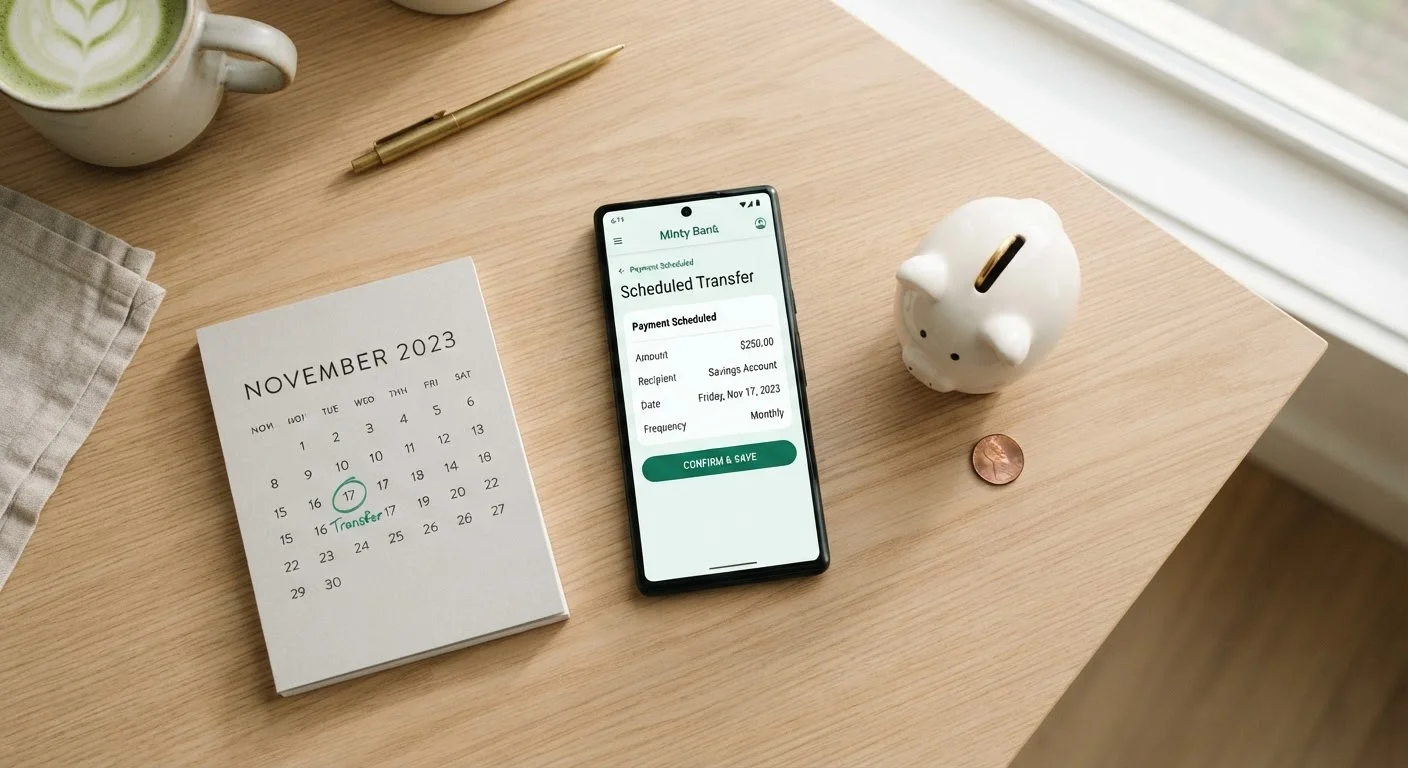
The core mechanic is simple: you instruct your bank or employer to move a set amount of money to a savings account on a recurring schedule, before you have a chance to spend it. Behavioral economists call this "paying yourself first" - and it's one of the most broadly supported principles in personal finance education.
If you've struggled to build a habit around saving manually, you're not alone. Our savings myths article explains why many common beliefs about saving - including the idea that you need to be earning more before you start - turn out to be misleading. Automation helps sidestep those mental barriers by making saving the default, not the exception.
Small Amounts Add Up Faster Than You Expect
Automating even $30 per paycheck adds up to $780 over a year if you're paid biweekly - without any extra effort after setup. The psychological benefit is equally real: knowing the transfer happens automatically reduces the mental load of managing your finances week to week.
What You'll Need Before You Set Up
Before configuring any automated transfer, gather a few key pieces of information so the setup goes smoothly.
What you will need
It also helps to have a savings goal already defined. If you haven't mapped out what you're saving toward, our guide to setting savings goals walks through how to frame targets in specific, realistic terms. For building a dedicated emergency cushion, see Emergency Funds Explained for context on how much to aim for and why.
How to Set Up Automated Savings Transfers
Follow these steps to put your savings on autopilot. The exact screens and labels vary by institution, but the underlying logic is the same everywhere.
Choose your destination savings account
Decide where automated transfers will land. A separate savings account - ideally at a different institution from your everyday checking - adds a small friction barrier that discourages impulse withdrawals. If you're starting from scratch, our beginner's savings guide covers how to open and structure your first savings account.
Determine a transfer amount you can sustain
Review your monthly take-home pay and fixed expenses. Subtract essential costs - rent, utilities, minimum debt payments, groceries - and identify what remains. Choose a transfer amount that fits comfortably within that remainder. Starting at $25 or $50 per paycheck is entirely reasonable; the goal is consistency, not size.
Your budget framework should inform this number. If you don't have a working budget yet, even a rough estimate of monthly discretionary spending gives you enough to start.
Set the transfer date to align with your pay schedule
Log into your bank's online portal or mobile app and navigate to the transfers or payments section. Schedule the recurring transfer for one to two business days after your expected pay date. This ensures your paycheck has cleared before the transfer executes, minimizing overdraft risk.
If you're paid biweekly, consider biweekly transfers rather than monthly - smaller, more frequent deposits align with your cash flow and reduce the temptation to spend the money before a once-a-month transfer date arrives.
Confirm and verify the first transfer
After saving your settings, wait for the first scheduled transfer to execute. Log into both accounts to confirm the debit from checking and the credit to savings both appear correctly. Check that the amounts match what you configured and that no unexpected fees were applied.
Adjust the amount as your finances evolve
Automation is not permanently fixed. Return to your transfer settings whenever your income or expenses change significantly. Increasing your automated amount by even a small percentage after a salary raise can compound meaningfully over time without noticeably affecting your day-to-day spending.
Once your automation is live, consider whether you're saving toward a single goal or several. If multiple goals are in play - an emergency fund, a vacation, a car repair reserve - you can set up separate recurring transfers to dedicated accounts or sub-accounts. This approach, sometimes called a sinking fund strategy, keeps goal money clearly separated so you always know where you stand.
Watch Your Checking Balance After Setup
For the first two or three pay cycles, monitor your checking account more closely than usual. Even a well-planned transfer amount can create a shortfall if a recurring bill hits on an unexpected date. Once you've confirmed a few cycles run smoothly, you can step back to less frequent monitoring.
Keeping Your Automation Working for You Over Time
Set-it-and-forget-it is the goal, but a brief periodic review keeps automation aligned with your actual financial life. Income changes, new expenses, and shifting priorities all affect what an appropriate transfer amount looks like.
A good rule of thumb: review your automated savings settings whenever your income changes - a raise, a new job, or a shift to part-time hours. Even a modest increase in your transfer amount after a pay raise can meaningfully accelerate progress. Our article on why deposit frequency matters explores how regularity and timing interact with compounding over time, which is worth understanding as your savings grow.
When you're ready to audit your overall savings picture - emergency fund size, goal progress, and habit strength - the Savings Checkpoint provides a structured framework for that review.
This article is for general informational and educational purposes only and does not constitute personalized financial advice. Consult a qualified financial professional for guidance specific to your situation.