Why Format Choice Matters More Than You Think
Most budgeting advice focuses on what to track - income, fixed expenses, discretionary spending. But the tool you use to do it matters just as much. A beautifully designed app you never open is less useful than a simple notebook you check every evening.
Before you start comparing features, consider two things: how you naturally process information, and how much time you're realistically willing to invest each week. If you're new to budgeting terms like "discretionary spending" or "cash flow," our plain-language budgeting glossary is a useful starting point.
This article breaks down each format's real-world trade-offs - not to rank them, but to help you find the one most likely to stick.
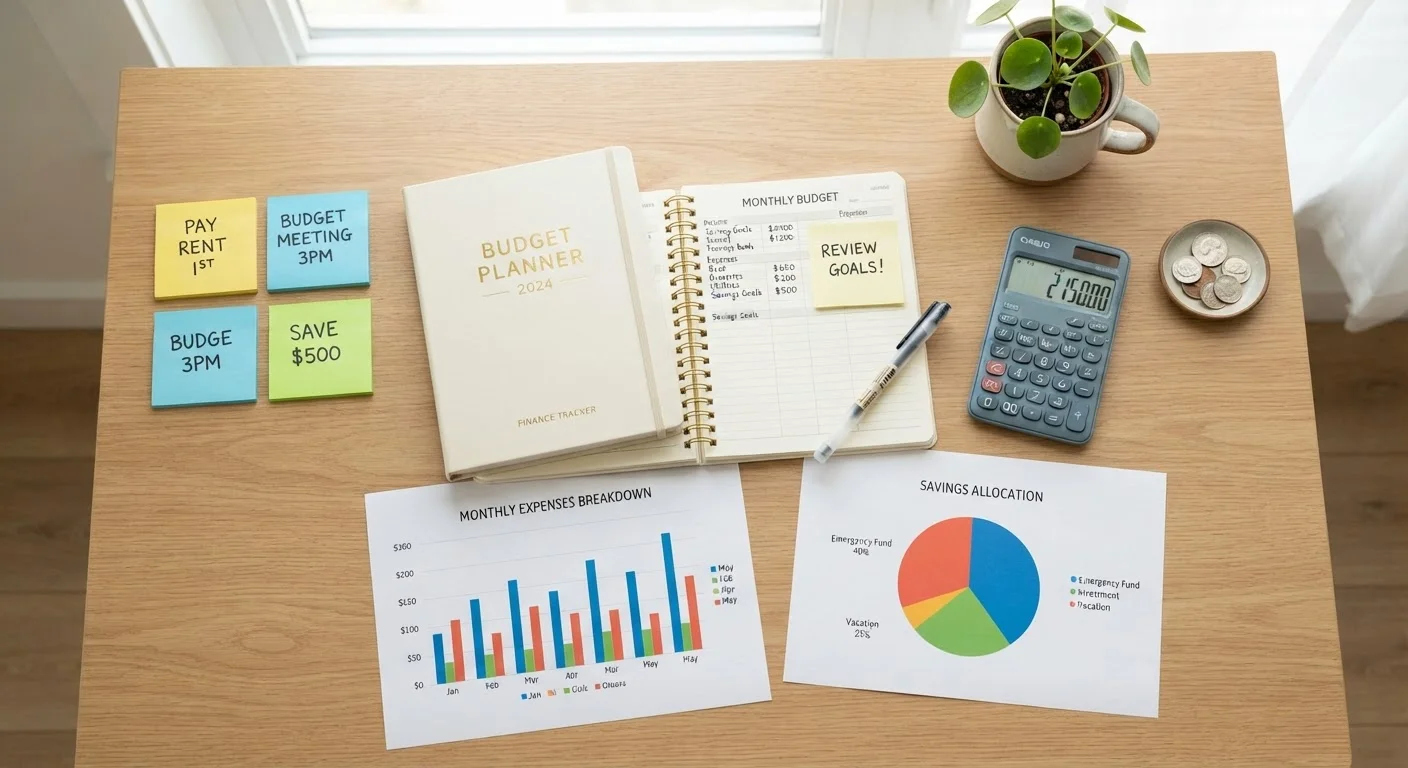
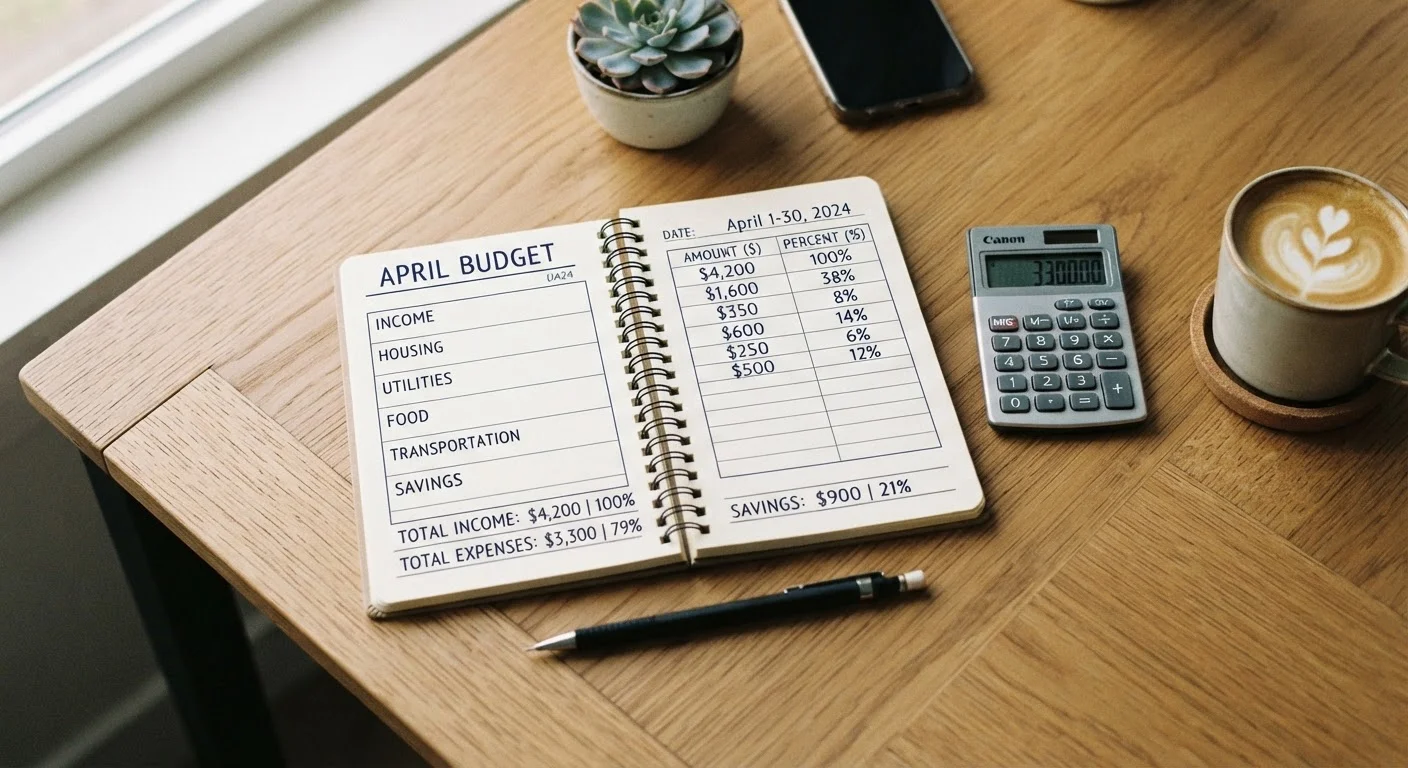
Paper Budgeting: Slow, Deliberate, and Surprisingly Effective
Writing a budget by hand forces you to slow down and engage with every number. Research in cognitive psychology consistently suggests that handwriting supports memory retention better than typing, which means you're more likely to recall your limits when you're standing in a checkout line.
Strengths:
- No setup cost - just a notebook and pen
- No screen time, no app updates, no connectivity required
- Highly personal; you design the layout to fit your life
- Physical act of writing reinforces awareness
Limitations:
- Math errors are easy to make and hard to spot
- Recalculating totals after changes is tedious
- Not practical for tracking frequent small transactions
- Easy to lose or forget at home
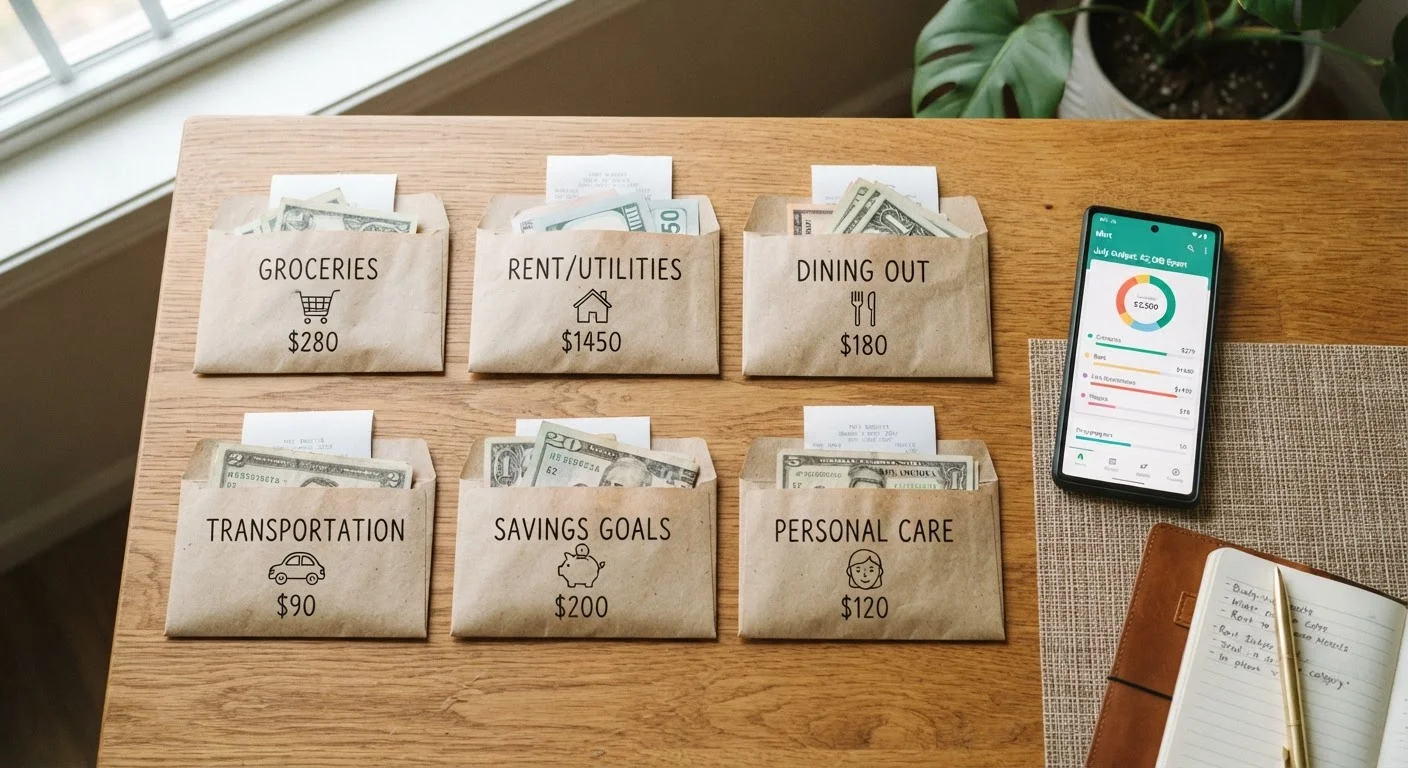
Paper works especially well for people who already use planners or journals. It also pairs naturally with the envelope method - see our guide to envelope budgeting in a digital age for a deeper look at that approach.
Start Simple, Then Add Complexity
If you're new to budgeting, resist the urge to build an elaborate system on day one. A single page listing income, fixed bills, and a rough target for variable spending is enough to start. You can refine categories and add detail once the habit of checking your budget regularly is established.
Spreadsheet Budgeting: Flexible, Powerful, and Customizable
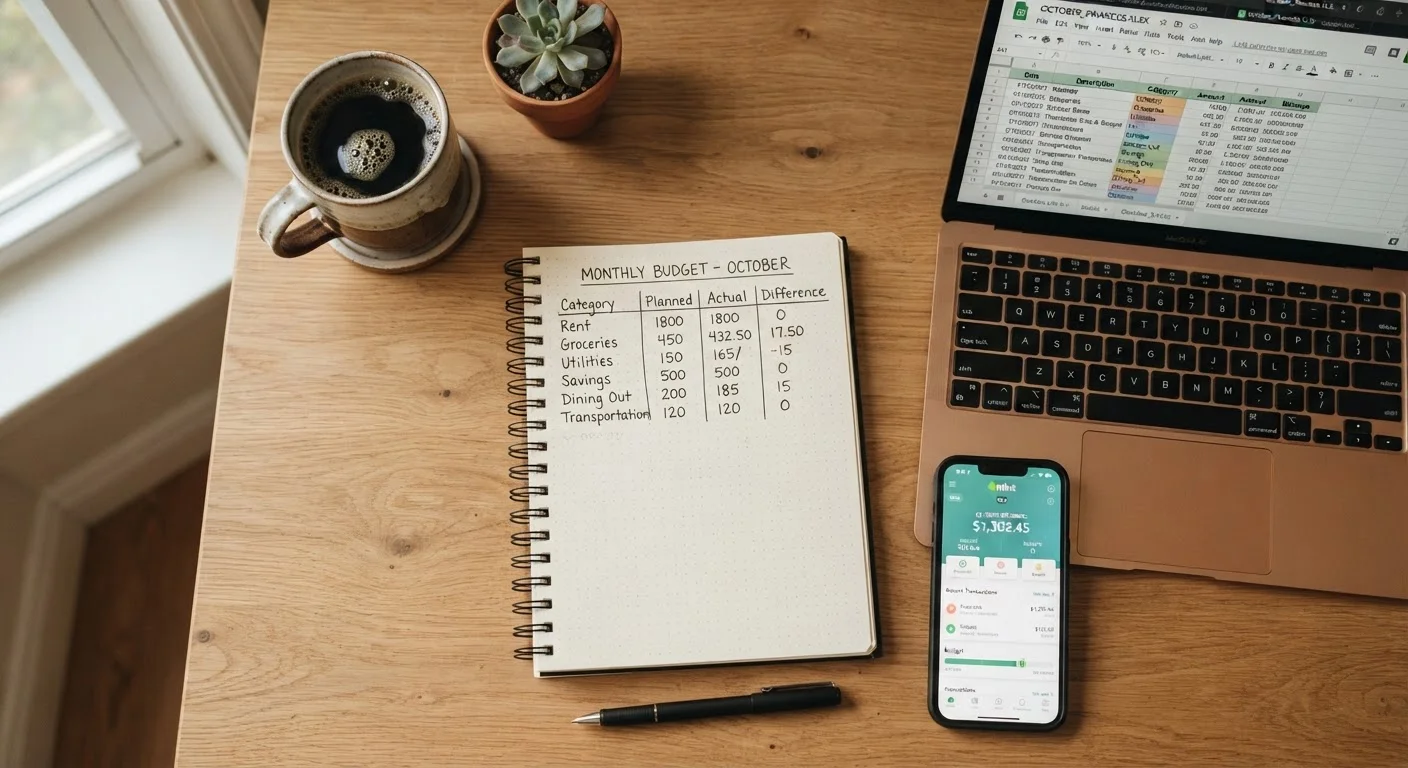
A spreadsheet sits between paper and a dedicated app. Tools like Google Sheets or Microsoft Excel let you build formulas that calculate automatically, color-code categories, and generate simple charts - all without surrendering control of your data.
Strengths:
- Formulas eliminate manual math errors
- Fully customizable to any budgeting method (zero-based, percentage-based, etc.)
- Easy to duplicate month-to-month and compare over time
- Free options are widely available
Limitations:
- Requires some comfort with spreadsheet software
- Doesn't automatically import bank transactions - manual entry needed
- Can become overly complex if you keep adding features
- Mobile experience is often clunky compared to purpose-built apps
If you're weighing different budget structures for your spreadsheet, our comparison of zero-based vs. percentage-based budgeting can help you decide how to set up your columns.
| Paper | Spreadsheet | Budgeting App | |
|---|---|---|---|
| Setup cost | Free (notebook + pen) | Free to low cost | Free to ~$10/month |
| Ease of getting started | Very easy | Moderate | Easy to moderate |
| Automatic transaction import | No | No | Yes (most apps) |
| Customization | Fully manual | High | Limited to app features |
| Math error risk | Higher | Low (formulas) | Very low (automated) |
| Privacy considerations | None | Low | Review app policy |
| Best for | Mindful spenders | DIY planners | Busy, on-the-go users |
Budgeting Apps: Automated, Accessible, and Worth Scrutinizing
Budgeting apps are the most feature-rich option. Many connect directly to bank accounts and credit cards, automatically categorize transactions, and send alerts when you approach a spending limit.
Strengths:
- Automatic transaction import saves significant manual effort
- Real-time tracking visible from any device
- Built-in reports and visual summaries
- Some offer goal tracking aligned with saving targets
Limitations:
- Many require a subscription fee after a free trial
- Connecting financial accounts involves sharing login credentials or read-only access - review each app's privacy and security policy carefully
- Automation can reduce mindfulness; it's easy to ignore notifications
- Apps can be discontinued or change pricing unexpectedly
Read App Privacy Policies Before Connecting Accounts
Budgeting apps that link to your bank accounts typically use read-only access, but they still store and process sensitive financial data. Before connecting any account, review how the app stores your data, whether it sells information to third parties, and what happens to your data if you cancel. When in doubt, a spreadsheet or paper system keeps your data entirely in your own hands.
Apps work best for people with busy schedules who need transactions logged automatically. They're also worth considering for households managing shared expenses - though aligning on a shared system takes its own effort, as explored in our guide to budgeting as a couple or household.
Making Your Choice - and Giving It a Fair Try
Once you pick a format, give it at least 60 days before deciding it isn't working. Most people abandon a method in the first two weeks simply because the habit isn't formed yet - not because the tool is wrong.
A few practical questions to guide your decision:
- Do I spend more time on a phone, a laptop, or with paper? Match the format to where you already spend time.
- How often do I make transactions? Frequent small purchases favor apps; simpler income and expense patterns work fine on paper or a spreadsheet.
- Am I comfortable sharing financial account data with a third-party service? If not, paper or spreadsheet is the right starting point.
- What's my actual goal? If you're working toward savings targets, check our resources on setting savings goals alongside whichever format you choose.
Before locking in any format, it also helps to know where your money is already going. Our spending audit guide walks you through reviewing past habits without shame - a useful step before building any new system.
This article is for general informational and educational purposes only and does not constitute personalized financial advice. For guidance specific to your situation, consider consulting a licensed financial professional.