Why Data Caps Deserve More Attention Than They Get
Most households shop for internet service based on two numbers: download speed and monthly price. Data caps - the third variable - often get overlooked until a bill arrives with unexpected charges or speeds drop without warning mid-month.
A data cap is a ceiling on how much data a subscriber can transfer during a billing period, typically measured in gigabytes (GB) or terabytes (TB). Cross that threshold and the consequences depend on the provider: some charge overage fees, others throttle speeds significantly, and a few let usage continue unaffected. Understanding which applies to your plan matters more than most people realize.
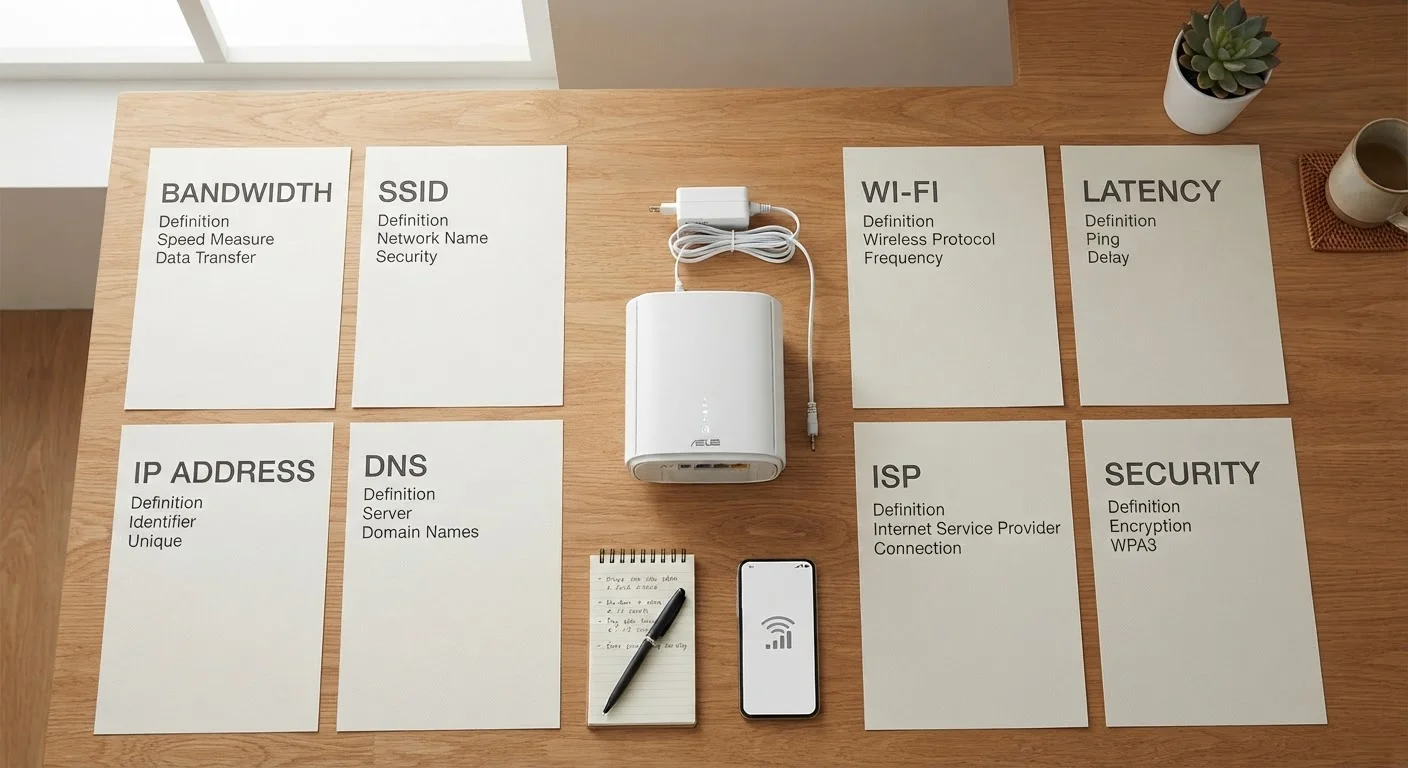
For a plain-language breakdown of terms like bandwidth, latency, and data cap itself, see our plain-English internet plan glossary. This article goes deeper on how caps work in practice - and how usage builds up faster than expected.
Caps are measured in gigabytes - and that number shrinks faster than expected
One gigabyte (GB) equals roughly 1,000 megabytes of data. Streaming a single hour of HD video can consume 3-5 GB. A 4K stream can use 7 GB or more per hour. A household with multiple people streaming, gaming, or video-calling simultaneously can burn through a 1 TB (1,000 GB) monthly cap in two to three weeks of normal use.
Understanding what your household actually does online - and translating that into rough data estimates - is a more reliable starting point than assuming a headline number will be sufficient.
Streaming one hour of 4K video can consume more than 7 GB of your monthly allowance.
Background activity counts against your cap even when you're not actively using the internet
Automatic software updates, cloud backups, smart home devices, and security cameras continuously transmit data even when no one is sitting at a screen. A single overnight OS update can use several gigabytes. Households with multiple connected devices - phones, tablets, smart TVs, thermostats - accumulate passive data usage that isn't always visible until the monthly total arrives.
Reviewing which devices and apps update automatically, and scheduling large updates during off-peak hours if your provider offers that option, can help reduce unintentional consumption. Our hub on connected devices covers how smart home gadgets fit into your home network more broadly.
Background app updates and cloud backups consume data around the clock, often without any visible activity.
Overages don't always mean extra charges - but they can still affect your experience
ISPs handle data cap enforcement in different ways. Some charge a flat fee per additional block of data once you exceed your limit. Others automatically enroll customers in a temporary add-on. A significant number of providers simply throttle speeds - reducing your connection to a fraction of its normal performance - for the remainder of the billing cycle.
Speed throttling after a cap is hit can make video calls unreliable, slow page loads noticeably, and prevent HD streaming. Knowing which enforcement model your provider uses is essential context, because a plan that sounds unlimited in the headline may behave quite differently once the fine print is applied.
Speed throttling after a data cap can disrupt video calls and streaming without any warning notification.
"Unlimited" plans often include their own version of data limits
The word "unlimited" in an internet or mobile plan typically refers to the absence of hard overage charges - not the absence of any restrictions. Many unlimited home broadband plans include a "soft cap" or "network management threshold" after which speeds may be reduced during congested periods, or throttled uniformly regardless of network conditions.
Reading the specific language in a plan's terms - particularly any mention of "network management," "prioritization," or "high-usage thresholds" - gives a more accurate picture of what unlimited actually means for daily use. This is equally relevant to mobile plans; see our article on what's really included in a mobile plan beyond the advertised price for a parallel look at wireless billing.
"Unlimited" broadband plans frequently include speed reduction thresholds that aren't obvious from the plan name alone.
Your ISP's usage tools are worth checking regularly - not just after a surprise bill
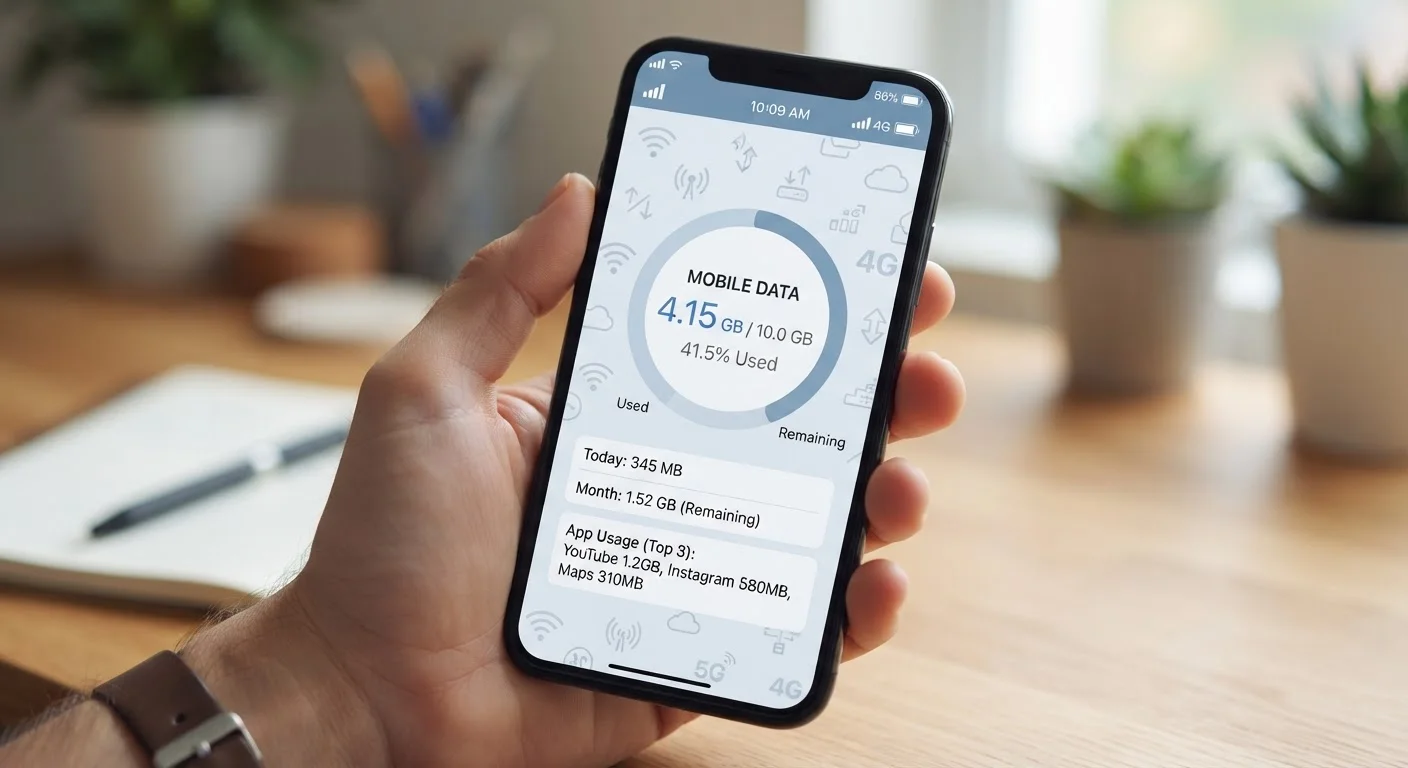
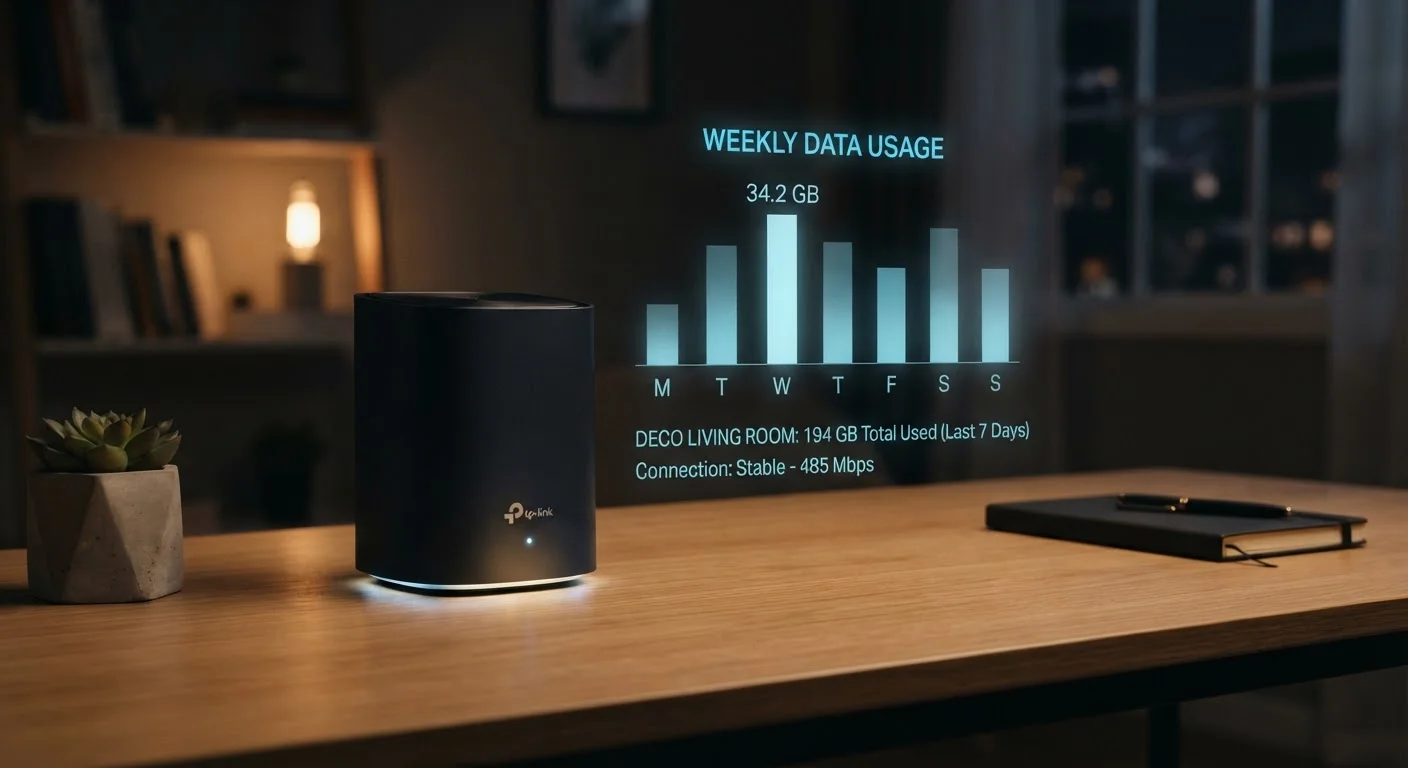
Most providers offer a usage dashboard through their website or mobile app that shows how much data has been consumed in the current billing cycle, often broken down by day or device. Setting up usage alerts - many ISPs allow notifications at 75% or 90% of a cap - gives households time to adjust behavior before hitting the limit.
Making a habit of checking usage mid-month, rather than waiting for a bill, removes the surprise factor and creates a better sense of how normal household activity maps to actual data consumption. For mobile-specific habits that apply similar principles, practical approaches to managing mobile data costs offers relevant parallels.
Setting usage alerts through your ISP's app gives you time to adjust before hitting your data cap.
Not all internet types apply caps the same way - or at all
Cable internet plans are among the most likely to include monthly data caps, often in the range of 1-1.25 TB. Fiber-to-the-home services frequently offer no data caps, though this varies by provider. Fixed wireless and satellite internet plans - particularly those serving rural areas - tend to have stricter or lower caps given the infrastructure constraints involved.
Knowing the connection type available in your area and how each handles data limits is part of a complete comparison. Connection type, speed tiers, and contract terms all interact; understanding each component separately helps avoid choosing a plan based on one attractive feature while overlooking a limiting constraint.
Satellite and fixed wireless plans often carry stricter data limits due to infrastructure constraints.
Making Sense of Your Plan Before You Commit
Data caps are one of several contract details worth scrutinizing before signing. If a plan advertises a cap, ask specifically how overages are handled, whether the cap resets monthly, and whether any services are exempt from counting against it (a practice sometimes called zero-rating). These details can meaningfully change how a plan performs in real life.
Check Your Usage History Before Choosing a Plan
If you're switching providers, your current ISP's usage dashboard can tell you how many gigabytes your household typically uses in a month. This gives you a concrete baseline to compare against any new plan's cap rather than guessing. Most providers display at least three months of usage history, which accounts for seasonal variation in streaming and remote work patterns.
For a broader checklist of contract terms worth verifying - including early termination fees and installation costs - see what to check before signing an internet contract. And if you're evaluating mobile data alongside home broadband, our explainer on mobile data terms like throttling and deprioritization covers how wireless carriers handle similar limits differently.
This article is for general informational purposes only. Plan terms, data policies, and pricing vary by provider and region. Always review your specific service agreement and contact your provider directly with questions about your account.