What Is a Smart Home, Really?
A smart home is simply a residence where everyday devices - lights, thermostats, locks, cameras, appliances - can be controlled remotely or automated based on schedules, sensors, or voice commands. The word "smart" means a device has a processor and a wireless connection, allowing it to send and receive information beyond its basic function.
The concept often sounds more complex than it is. You don't need a custom installation or a house wired from scratch. Many people begin with a single smart bulb or a plug-in outlet adapter and expand from there. If you're also navigating homeownership for the first time, see our guide Homeownership for First-Timers for useful broader context on managing a new home.
Smart device
Any appliance or gadget with a built-in processor and wireless connection that can be controlled remotely or programmed to act automatically.
Hub
A central device that acts as a translator and coordinator between smart devices, especially those using Zigbee or Z-Wave protocols that don't connect directly to Wi-Fi.
Ecosystem
A group of smart home devices and services from one company - or a compatible group - designed to work together through a shared app or voice assistant.
Matter
An open industry standard that allows smart home devices from different manufacturers to communicate with each other, reducing compatibility problems.
Mesh network
A type of wireless network where multiple access points work together to cover a large area with consistent signal, often used in larger homes to eliminate Wi-Fi dead zones.
Firmware
The built-in software that runs on a hardware device. Manufacturers release firmware updates to fix bugs, patch security vulnerabilities, and add features.
The Building Blocks: Key Devices to Know
Smart home technology covers a wide range of product categories. Understanding what each one does helps you decide where to focus first.
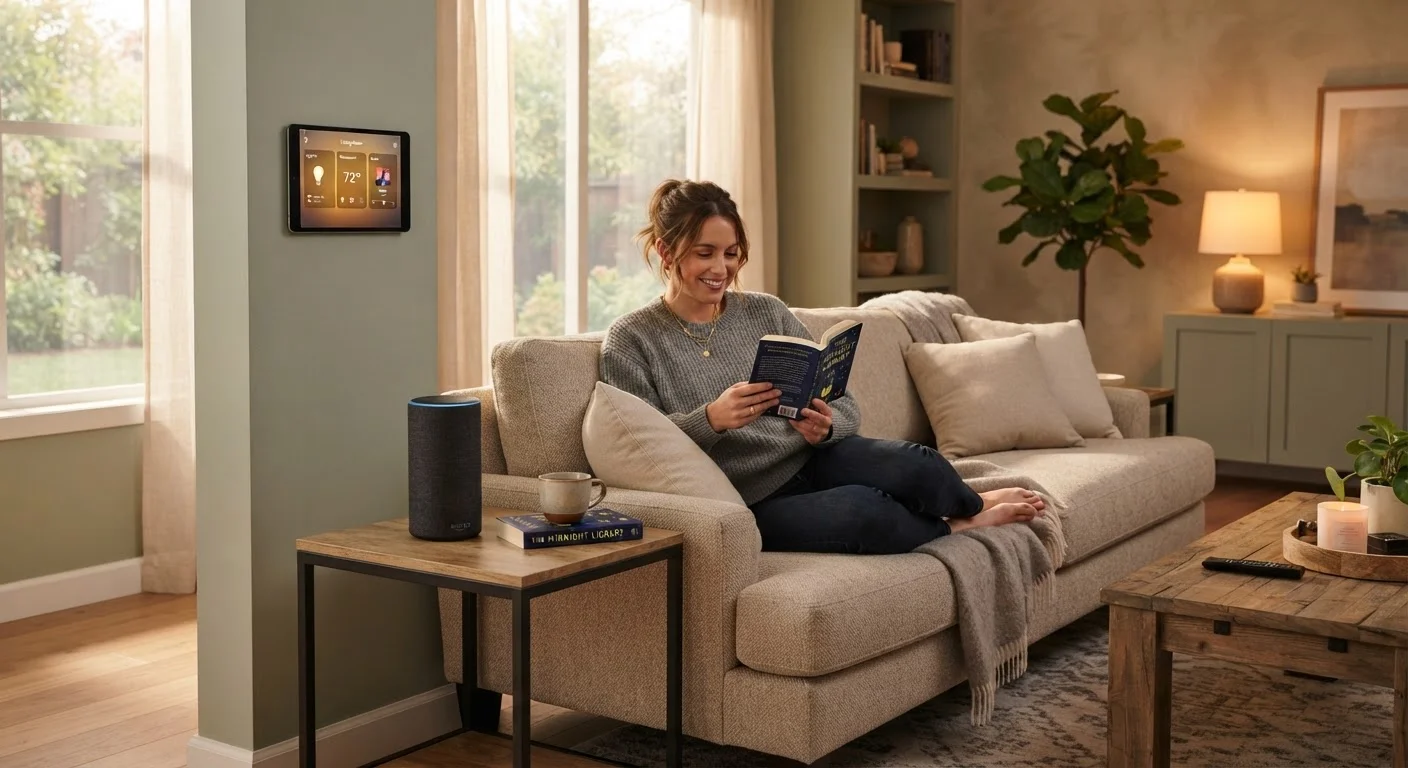
- Smart speakers and displays: Voice-controlled devices that act as a central interface. They can answer questions, play media, set timers, and control other connected devices.
- Smart lighting: Bulbs or switches that can be dimmed, scheduled, or changed in color from an app or via voice. No rewiring is typically required for bulb-based systems.
- Smart thermostats: Replace a standard thermostat and learn your temperature preferences over time, or let you adjust heating and cooling remotely.
- Smart plugs: Outlet adapters that give any ordinary appliance remote on/off control. A practical entry point with minimal setup.
- Smart locks and video doorbells: Allow you to lock, unlock, and monitor your front door remotely. Useful for deliveries, guests, or general peace of mind.
- Smart cameras: Indoor or outdoor cameras that stream live footage to your phone and can alert you to motion or sound.
Each of these categories integrates with the broader home improvement decisions you may already be thinking about.
How Smart Devices Connect and Communicate
Most consumer smart home devices use one of three wireless protocols to communicate:
- Wi-Fi
- The most familiar option. Wi-Fi devices connect directly to your home router and are typically controlled through a brand-specific app. Setup is usually straightforward, but each device uses a router connection slot.
- Zigbee and Z-Wave
- These are low-power mesh protocols designed specifically for smart home use. Devices relay signals through each other, extending range. They usually require a separate hub but use very little power.
- Matter
- A newer industry-wide standard backed by major technology companies, designed to let devices from different manufacturers work together reliably. Adoption is growing, and Matter compatibility is worth looking for when buying new devices.
Your home's internet connection is the foundation everything rests on. A router that handles many simultaneous device connections reliably matters more than having the fastest plan available. For renters considering smart devices, check what modifications your lease permits before installing anything that touches the wiring or structure.
Stick to One Ecosystem Early On
When you're just starting out, choosing devices that share the same app or voice assistant platform simplifies setup considerably. Mixing ecosystems too early often leads to compatibility friction and multiple apps to manage. Once you're comfortable, branching out - especially to Matter-compatible devices - becomes much more manageable.
Where to Start: A Sensible First Step
The most common mistake new smart home owners make is trying to automate everything at once. A more practical approach: pick one problem you actually want to solve and find the simplest device that addresses it.
Good starting points include a smart plug (to schedule a lamp or fan), a smart bulb in a frequently used room, or a video doorbell if package security is a concern. Once you're comfortable with the app, the setup process, and how your router handles the load, expanding becomes much less intimidating.
When budgeting for smart home upgrades, it's worth treating these as part of a broader financial plan. Our guide to building your first personal budget can help you think through discretionary spending in a structured way. For homeowners ready to take on broader upgrades, a first-time homeowner's introduction to home improvement pairs well with this guide.
Privacy and Security Basics
Connected devices expand the potential entry points into your home network. This doesn't mean smart home technology is inherently unsafe, but it does mean basic security habits matter.
- Use strong, unique passwords for every device account and your router's admin panel.
- Keep firmware updated. Manufacturers release security patches regularly; enabling automatic updates where available reduces risk.
- Review app permissions. Many smart home apps request access to location, microphone, or contacts. Grant only what the device genuinely needs to function.
- Create a separate network for smart devices. Many modern routers support a guest network. Isolating smart devices from the computers and phones where you store sensitive data is a widely recommended practice.
- Read the privacy policy for any device that uses a microphone or camera. Understanding what data is stored, where, and for how long is reasonable due diligence.
None of these steps require technical expertise. They're the same habits that protect any internet-connected account, applied to a new category of device.
Smart Home Security Is a Shared Responsibility
Device manufacturers, internet service providers, and users all play a role in keeping a connected home secure. No single step eliminates all risk, but consistent habits - updated firmware, strong passwords, and thoughtful app permissions - meaningfully reduce exposure. Think of it the same way you'd approach locking your doors: simple, routine, and worth doing.